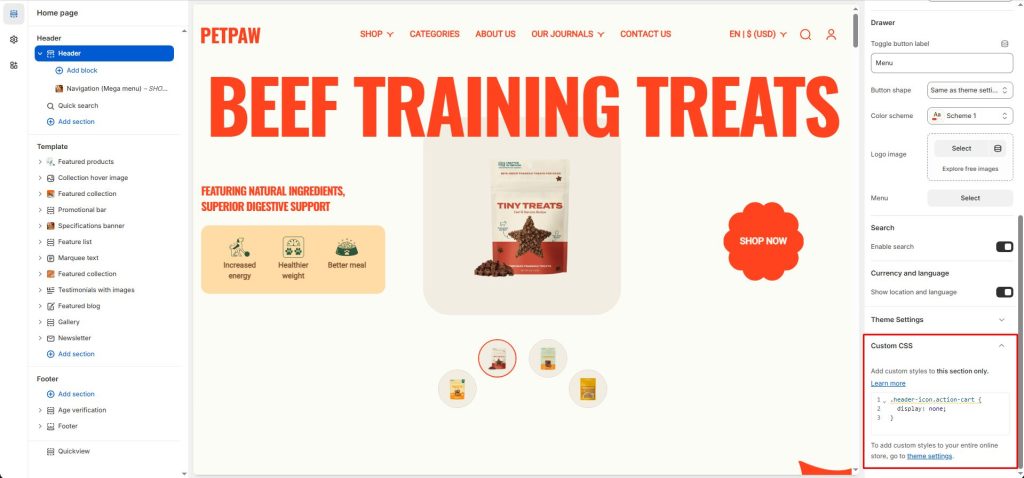
To remove the cart icon in the header
In the header editor, add this CSS to CUSTOM CSS in order to remove the cart icon:
.header-icon.action-cart {
  display: none;
}
That’s it, your cart icon has been disabled.
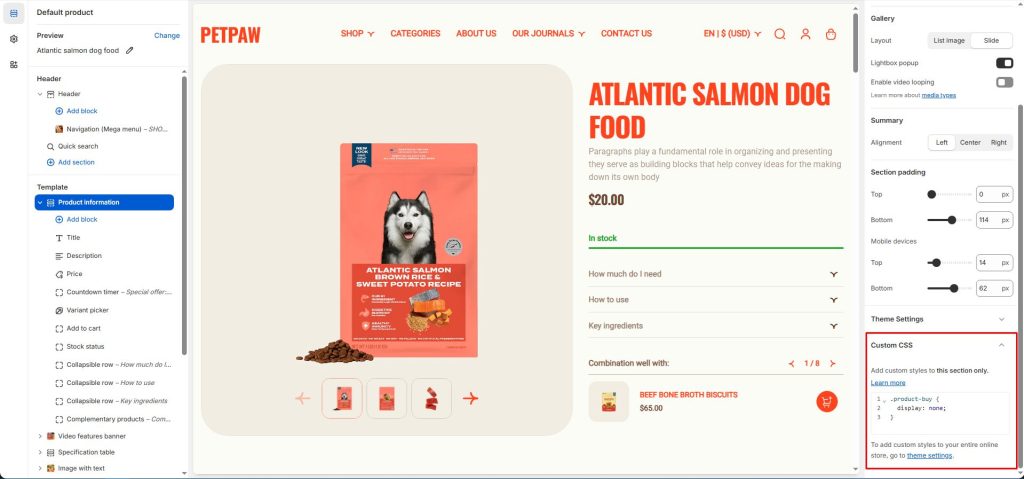
To remove the ‘Add to cart’ button
You likely won’t want the add-to-cart button on the product page, so open CUSTOM CSS in Product information editor and add this code to it:
.product-buy {
  display: none;
}
Before:
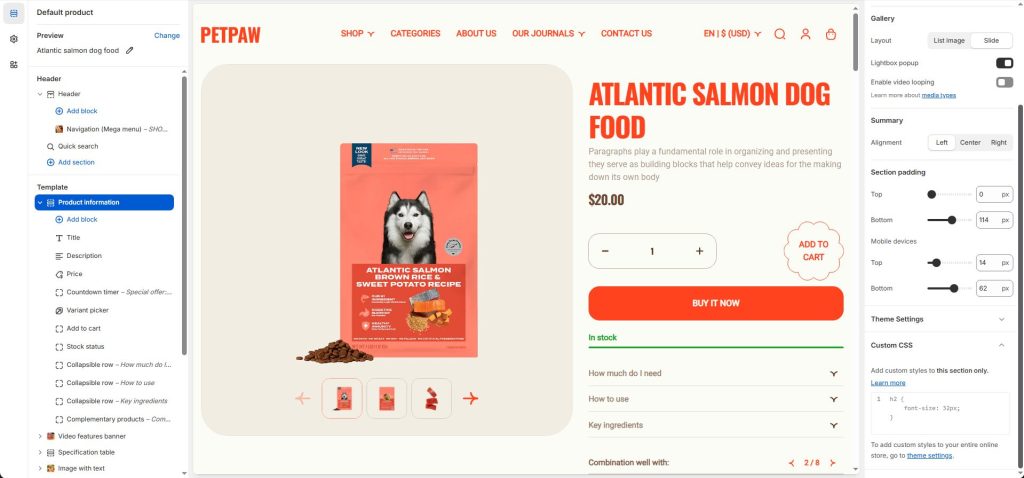
After: