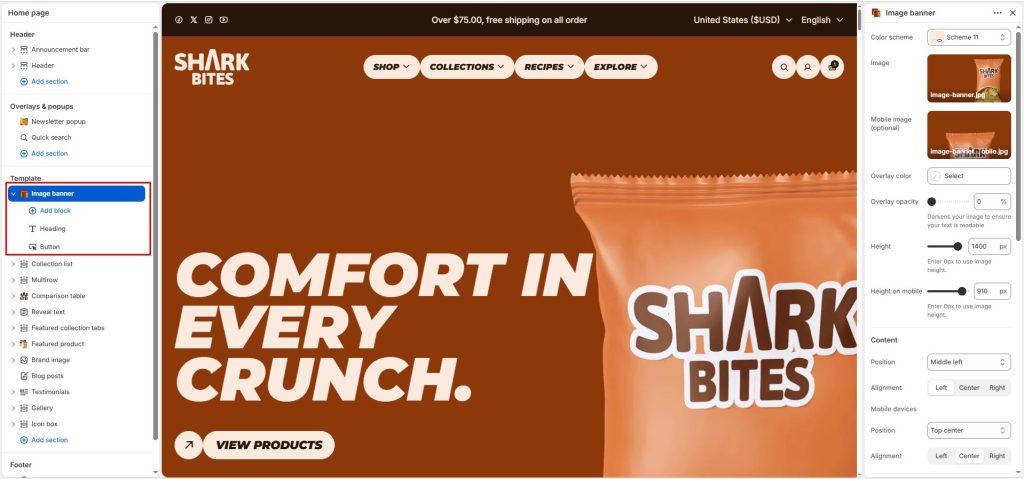
The image banner section allows you to display text and banner images visually.
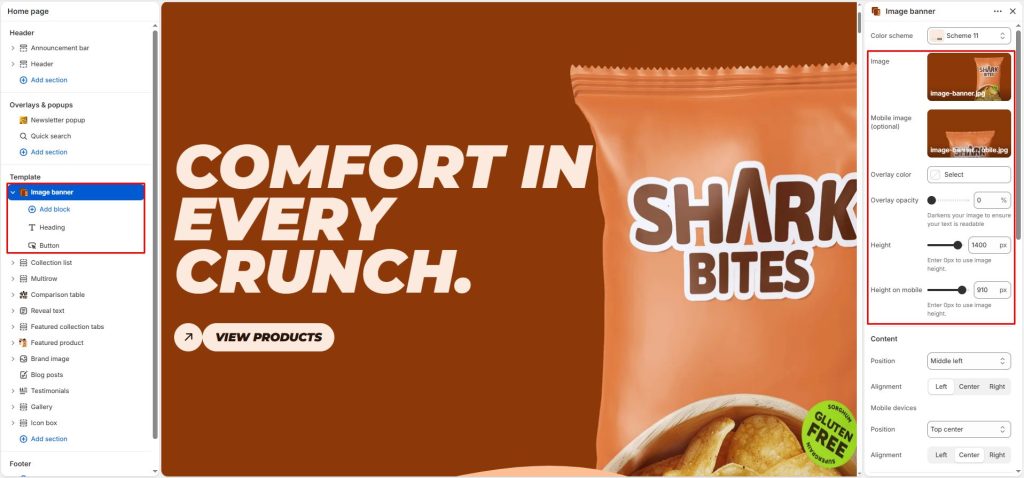
Select a background image and set its height for desktop and mobile. Customize the overlay color and opacity to improve text readability when needed.
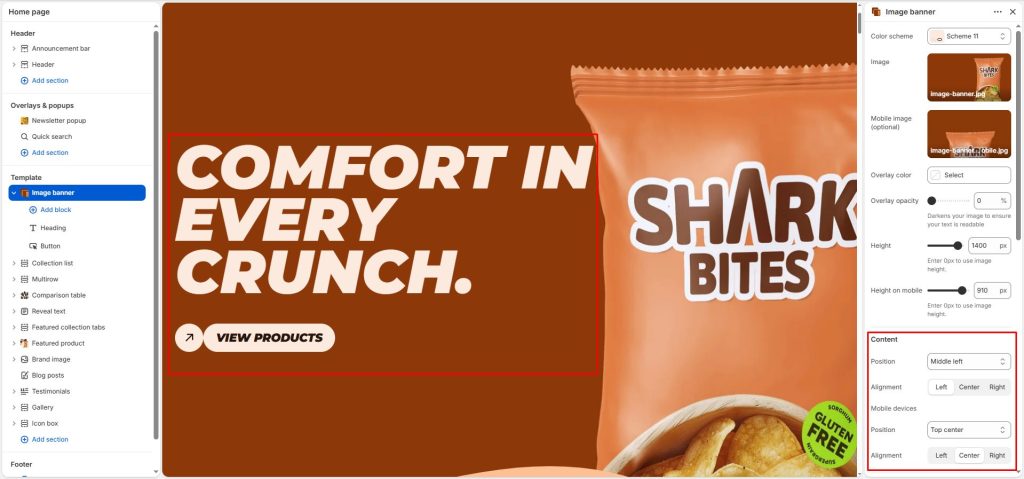
Content: Contains options to align the position of the content.
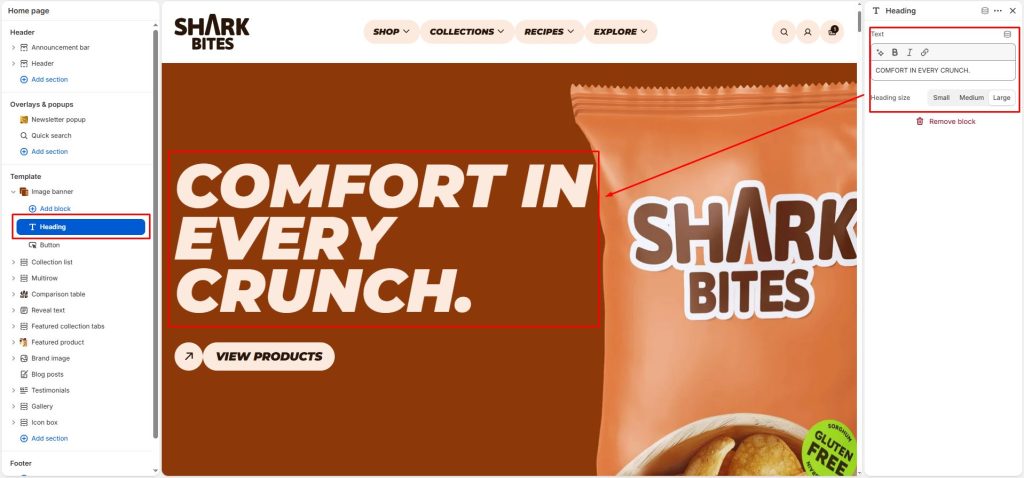
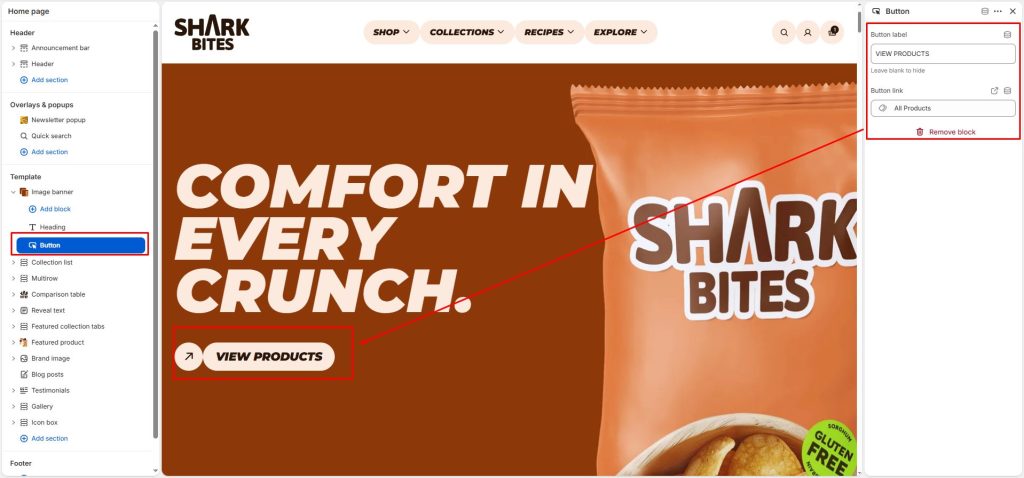
The content is sourced from the blocks within the Image Banner section, including the heading, text, and button.
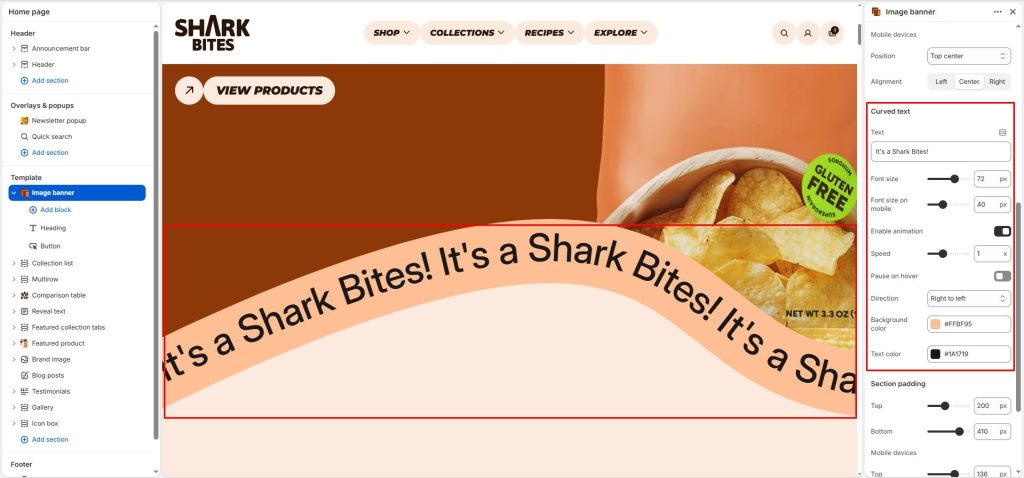
Curved text: Add text displayed in a predefined curved layout. You can customize the text font size, text color, and background color, enable scrolling from right to left or left to right, and adjust the scrolling speed.