
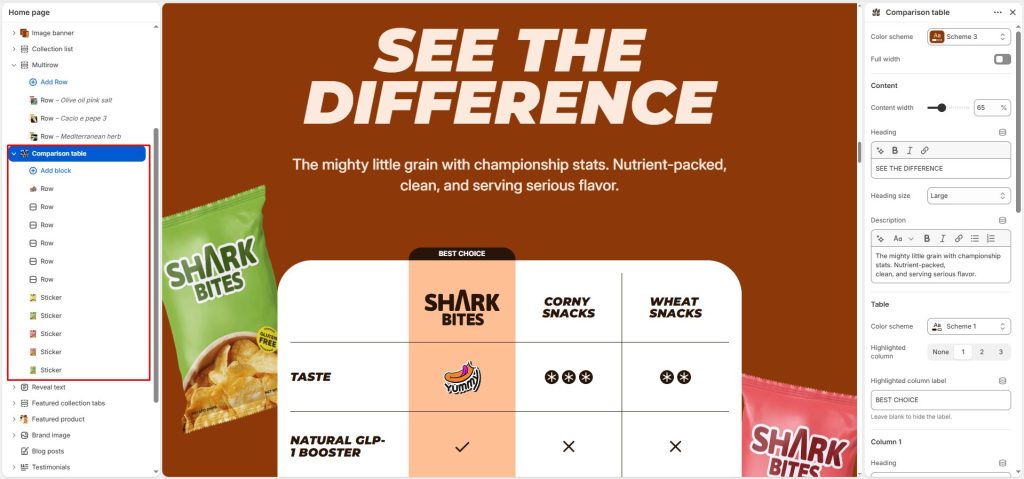
To create a Comparison Table, open your theme editor and navigate to the page or product where you’d like to add a Comparison table section. Click “Add section” and search for or select the “Comparison table”.
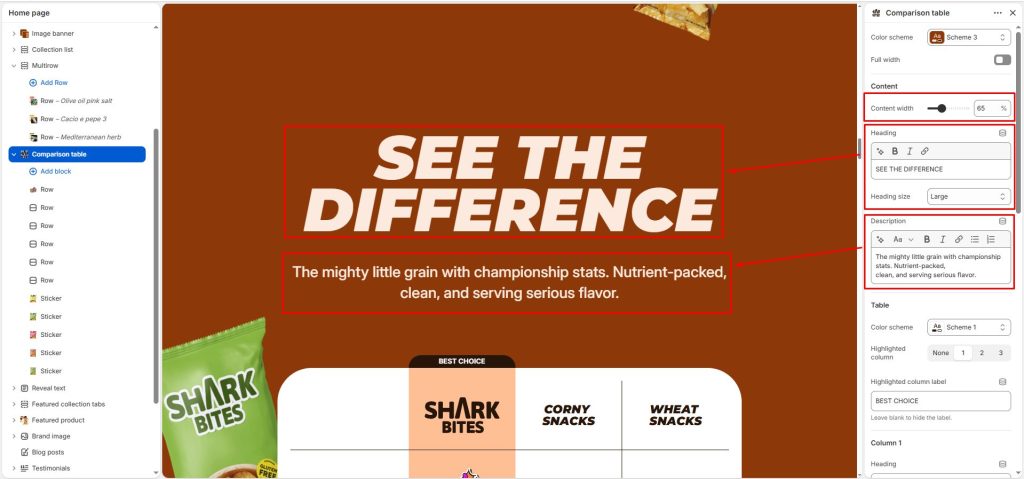
Enter a heading and description for the section, then adjust the content width of the heading.
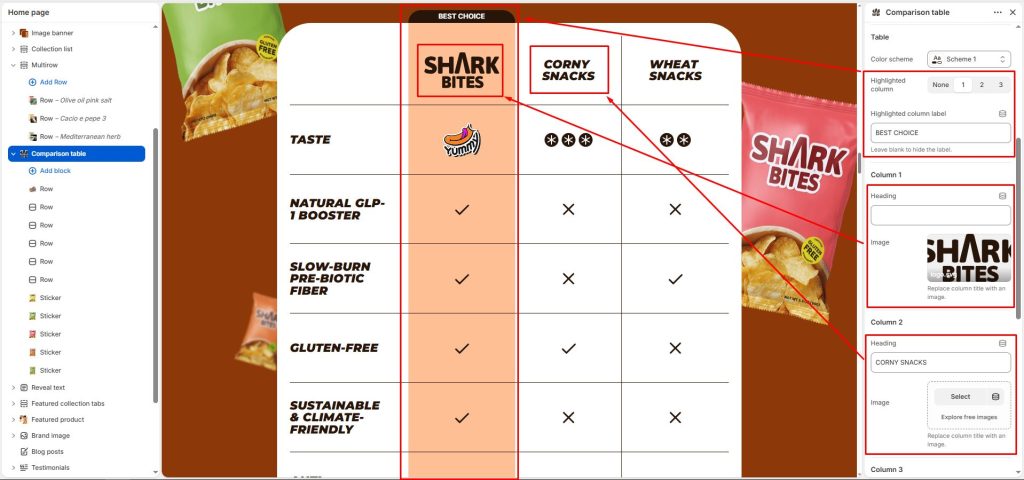
Enter a heading or select an image for the columns you want to compare. We support up to 3 columns, with the third column allowing you to toggle it on or off as desired.
Highlighted column: Select the column to highlight it and make it stand out, then set the highlighted column label.
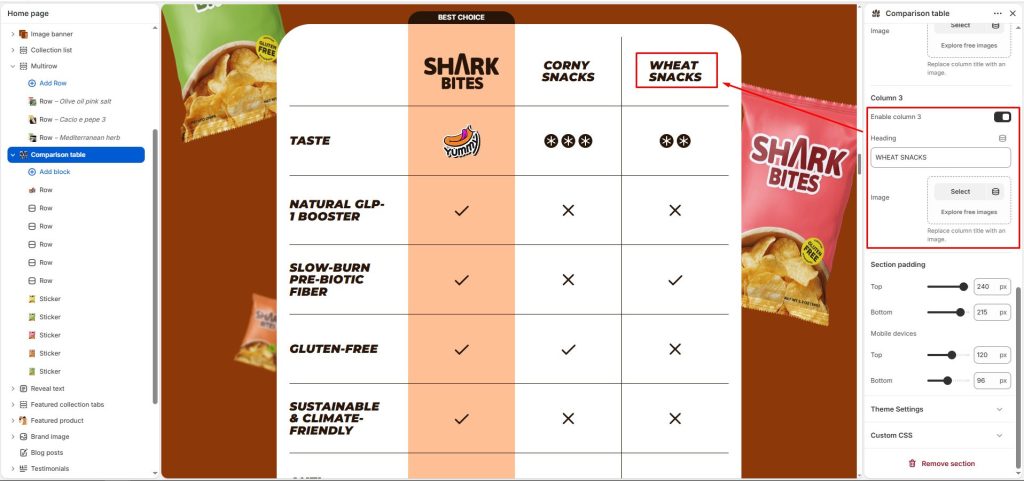
For each row block, enter the features you want to compare, then select the appropriate icons for each column, choose an image, or enter a value.
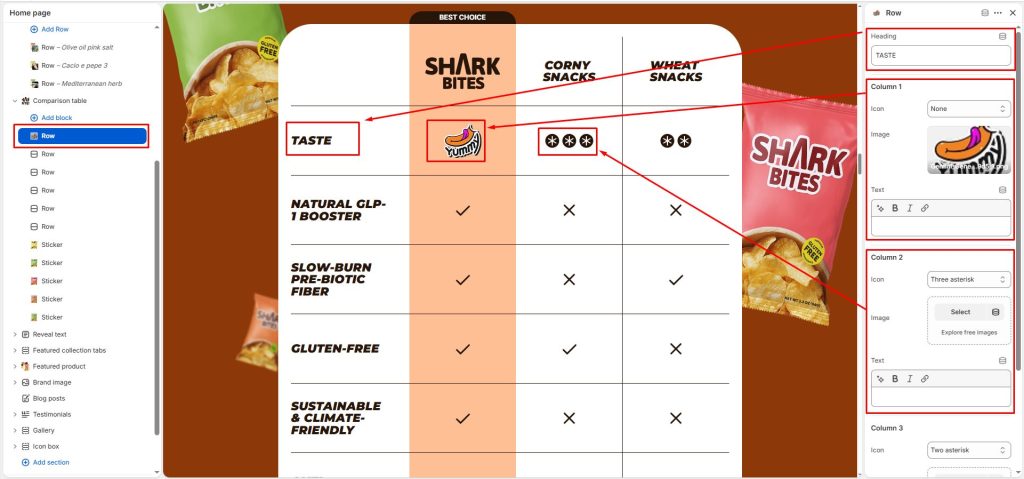
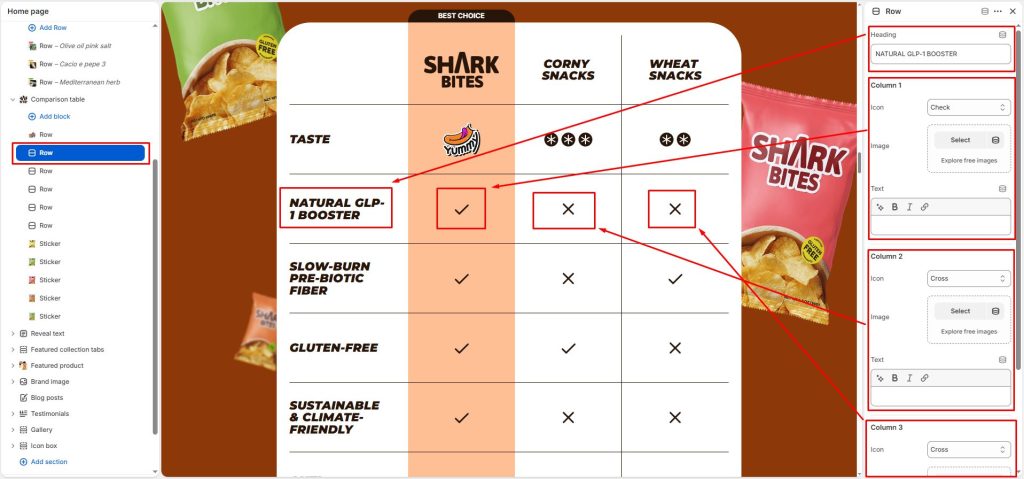
Additionally, there is a Sticker block that allows you to add images and position them anywhere you want within the section.
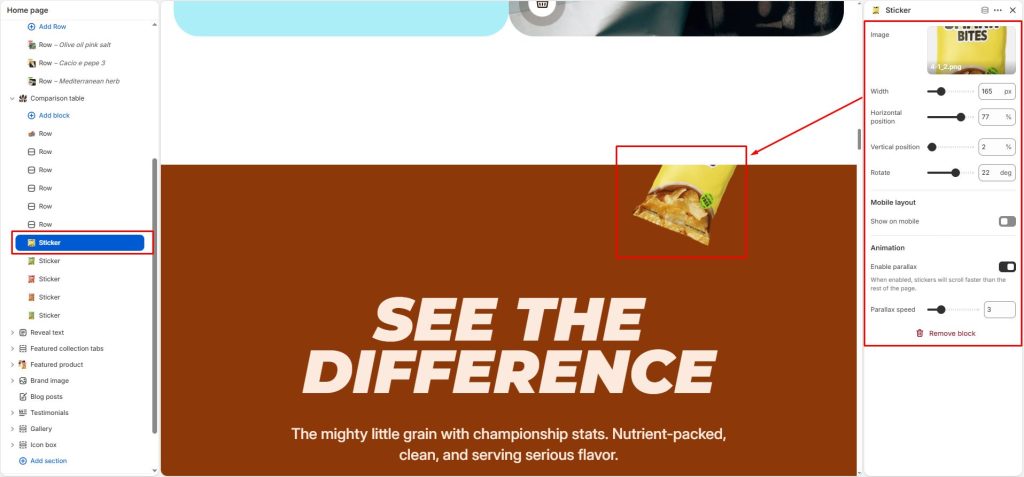
Select an image and adjust its size and position for desktop display. For mobile devices, you can choose whether to show or hide the image, then customize its size and position to ensure it fits the screen properly.
You can enable or disable the parallax effect for the image and adjust the desired speed.