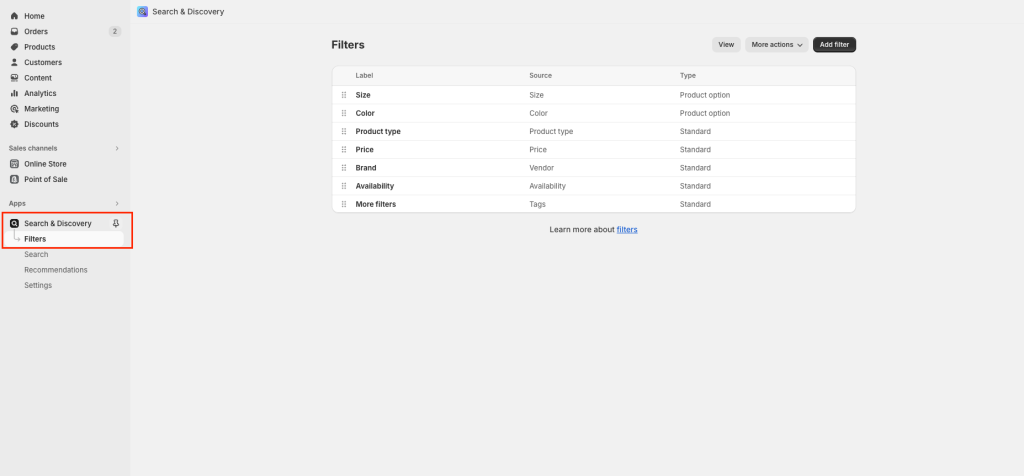
Step 1: Go to Online store > Navigation > Add filters – you can add what you need.
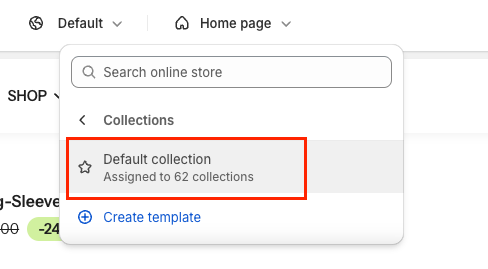
Step 2: Enable the function on the Collection page
Go to Customize > Choose Default collection > Collections

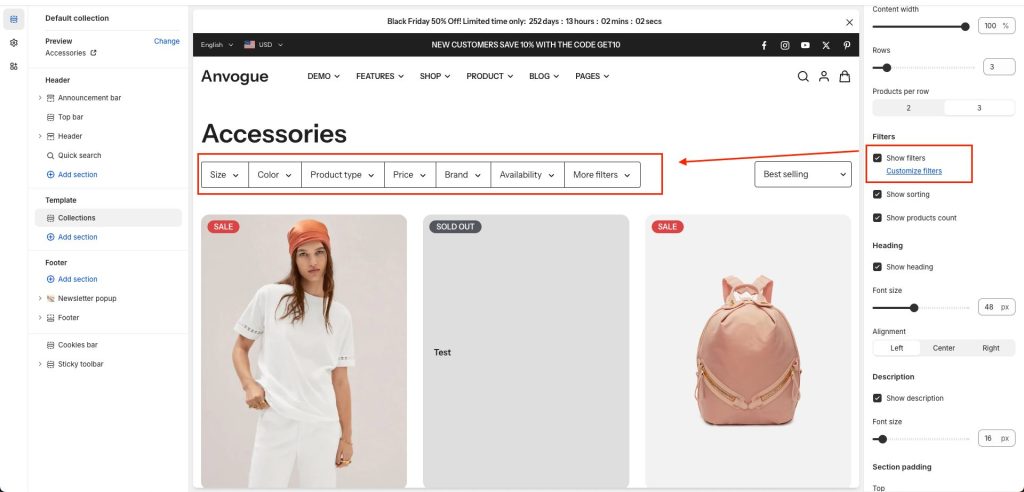
The filter will display on the sidebar, to turn it on/off you just need to click the “Show filters” button.