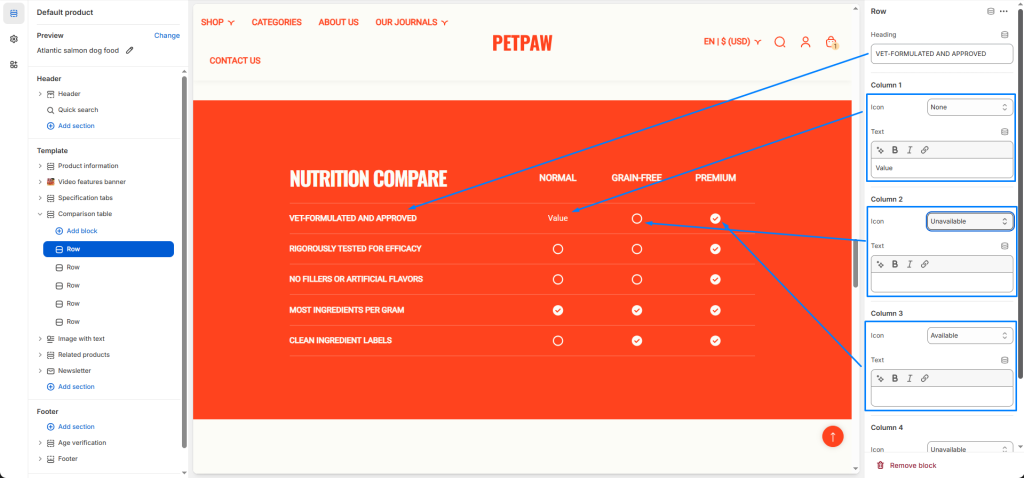
To create a Comparison Table, open your theme editor and navigate to the page or product where you’d like to add a Comparison table section. Click “Add section” and search for or select the “Comparison table”.
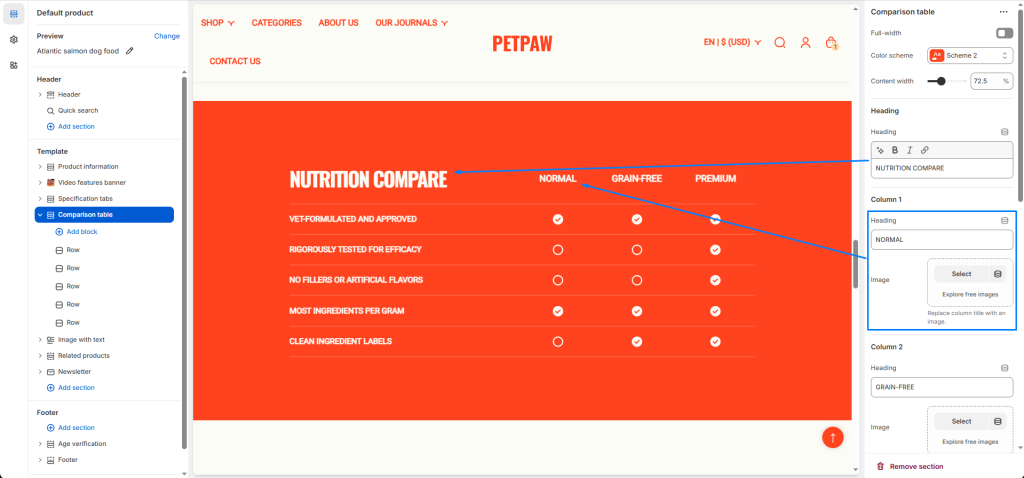
Enter the heading and column titles you want to compare. Column titles can be replaced with images.
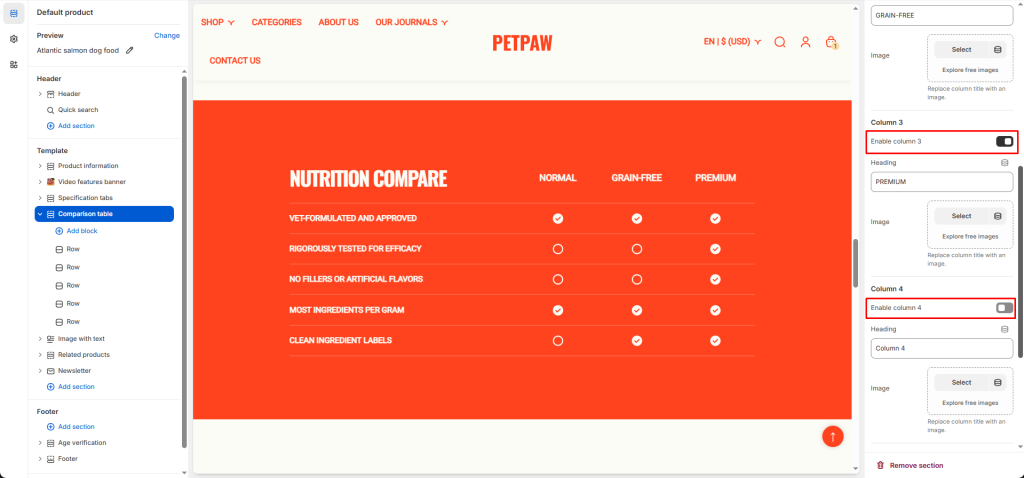
This section allows a minimum of 2 columns and a maximum of 4 columns to be displayed, you can adjust whether some columns are enabled or disabled.
For row blocks, enter the characteristics to compare, then select the appropriate icons according to the columns or enter a value.