
The featured collection section allows you to select a featured collection and display the products within that collection.
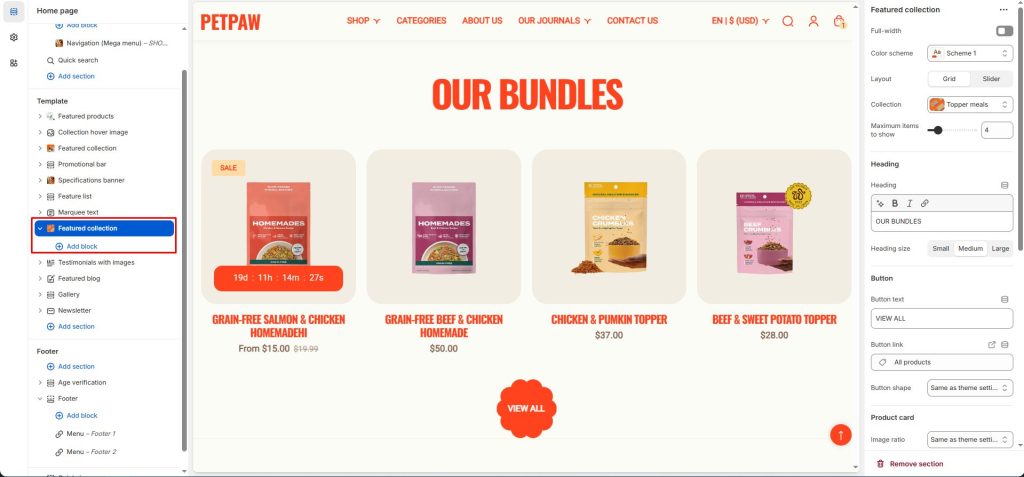
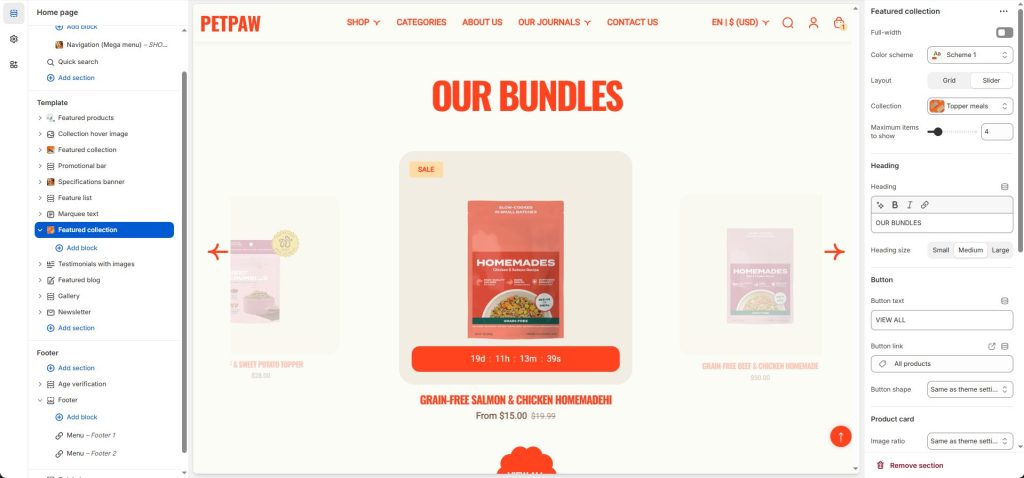
Layout: Select to change the design style you want. There are two display styles: grid and slider.
Collection: Select the collection you want to display the products in.
Maximum items to show: The maximum number of products that will be shown.
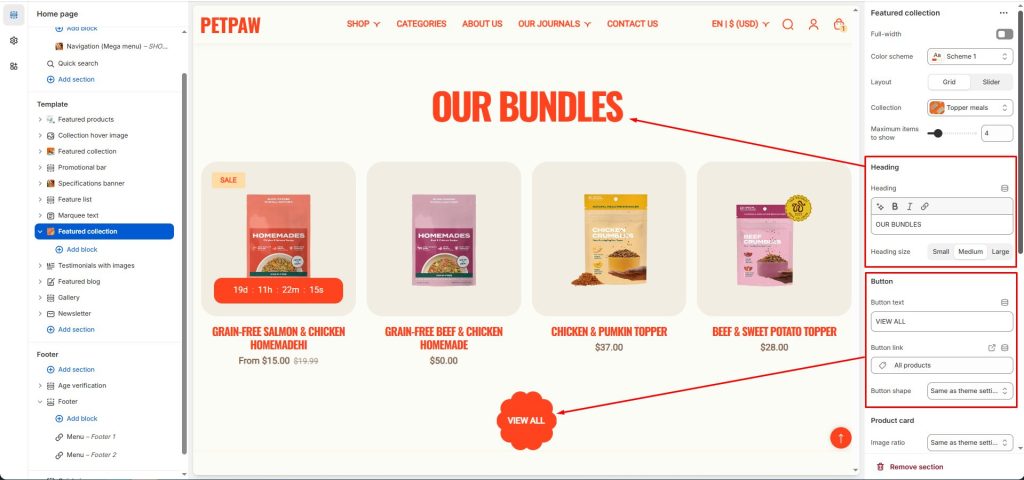
Heading: You enter the heading and choose the heading size.
Button: You enter text and a link for the button, and you can change the button’s shape or keep it as default depending on your theme settings.
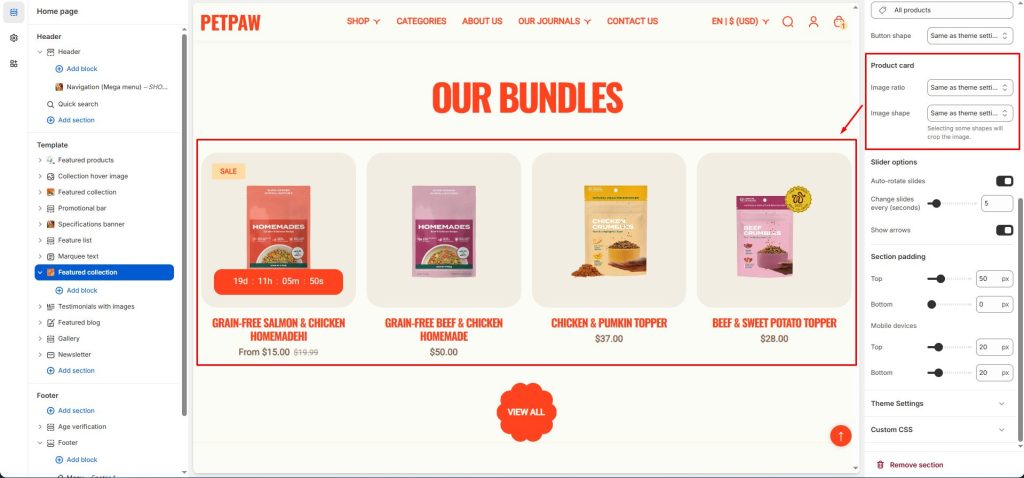
You can also change the image style of the product card or leave it as default according to the theme settings.