
The footer section controls the very bottom area of your global store’s footer. You can use it to share brief information about your store and add navigation menus to help users navigate the web store seamlessly.
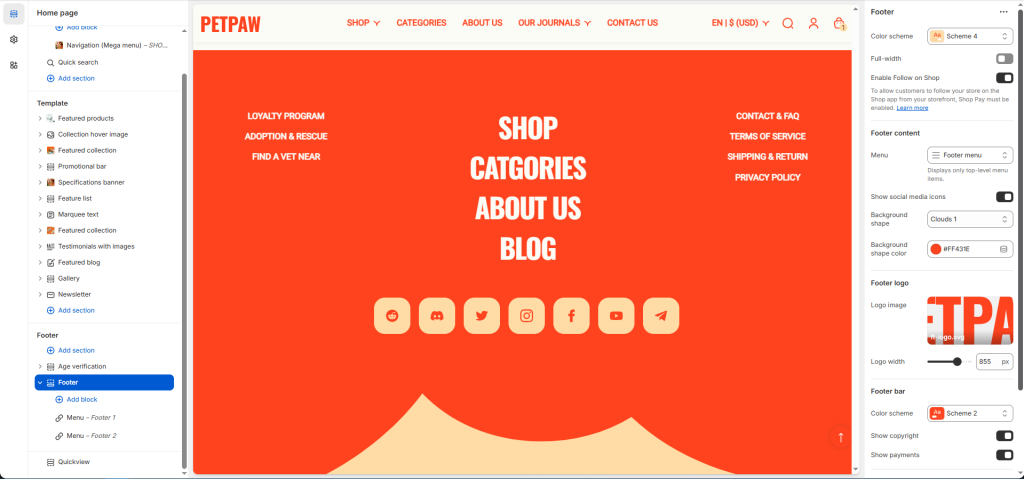
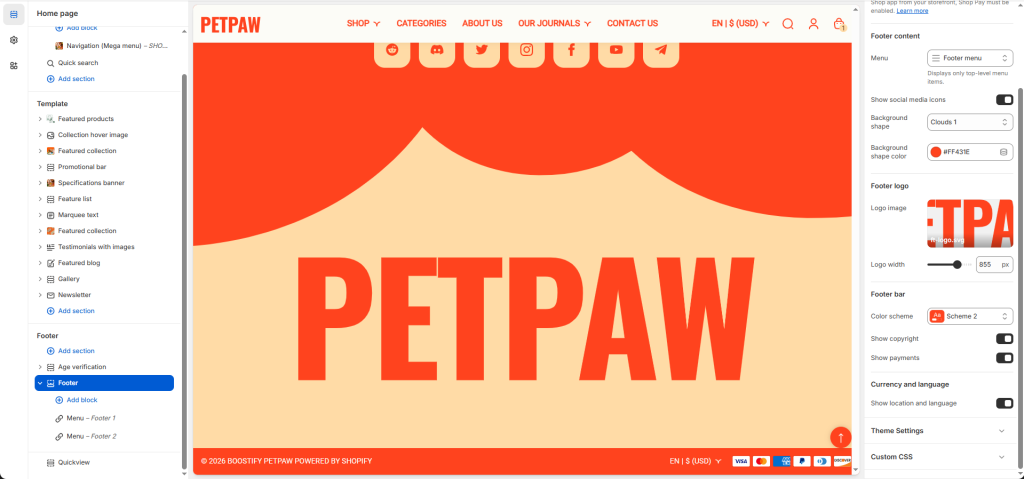
Settings: Select the checkbox to show/hide the element of the footer.
Show social media icons: Select the checkbox to show/hide icons ( Note: To display your social media accounts, link them in your Theme settings -> Social media)