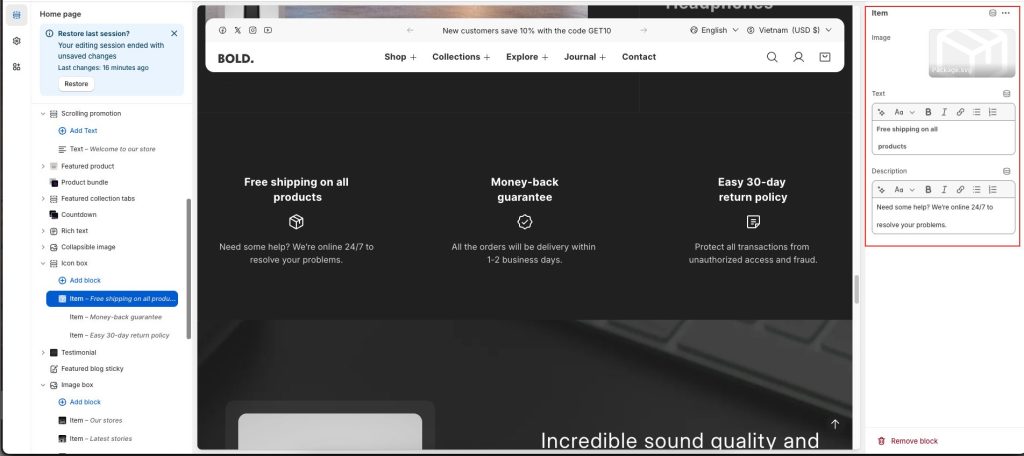
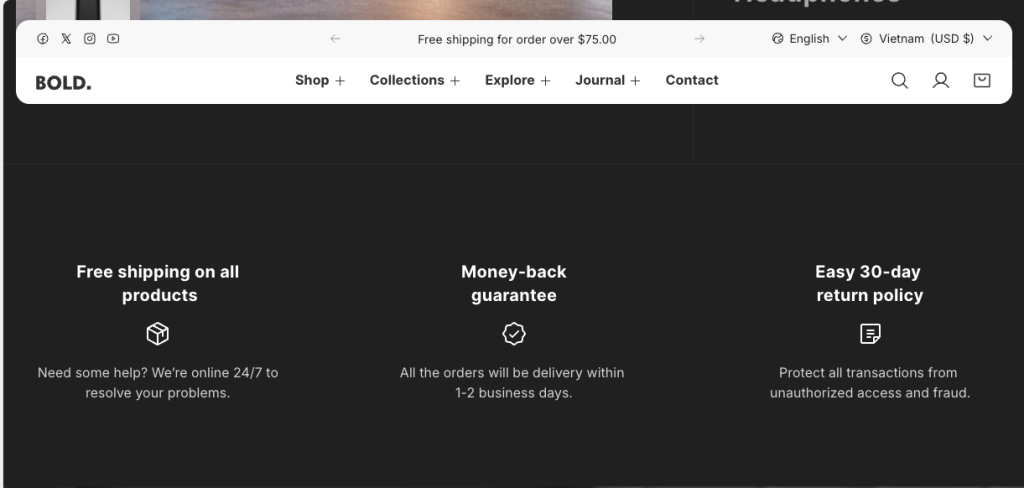
The Icon Box section displays icons paired with short descriptions to clearly communicate your store’s key messages or features. Commonly used to highlight services, offers, or important characteristics, this section helps customers quickly recognize and understand information at a glance.
To configure your Icon box section:
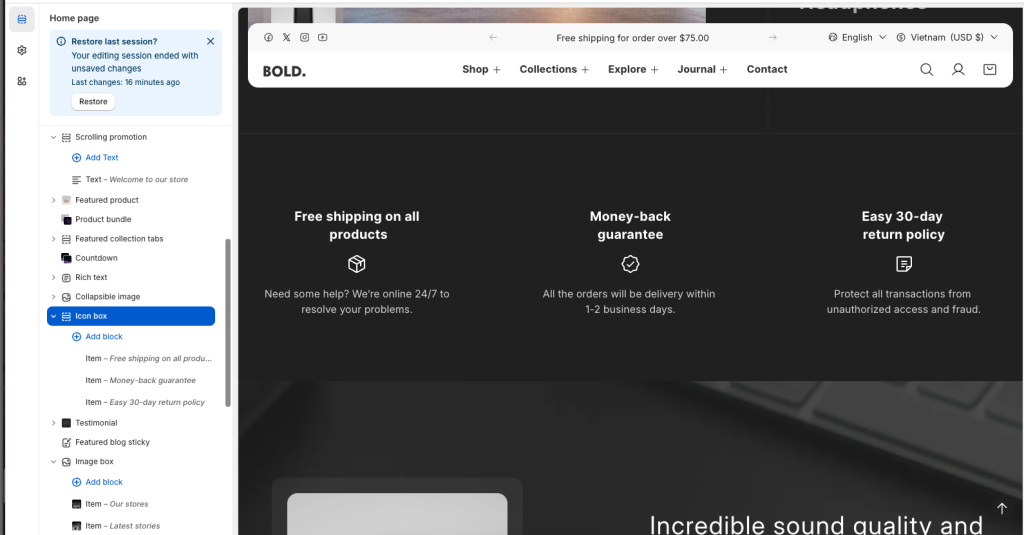
- Go to Customize theme. In the Theme editor, at the top of the page, use the dropdown to select a page that contains an Icon box section.
- From the side menu, select Icon box.
- Select section setting.
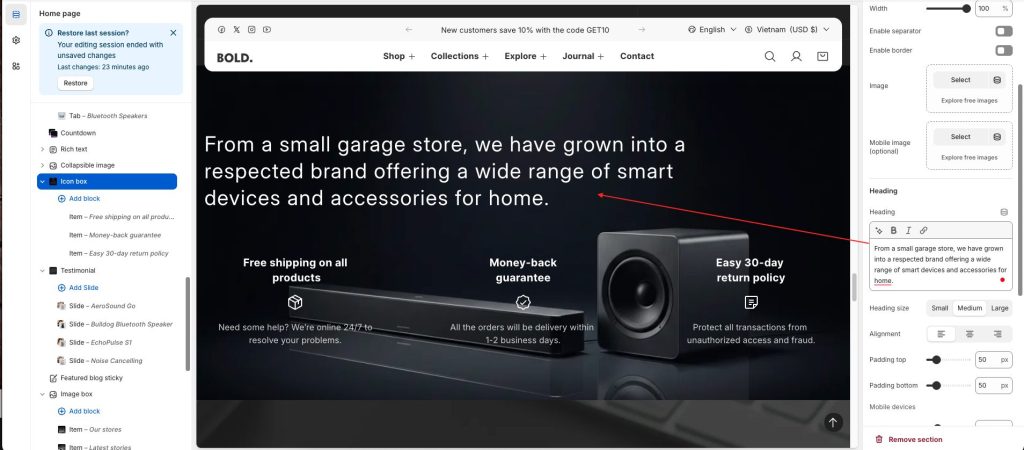
There are options to choose a background image for the section, enter a section title, customize size, alignment and spacing.
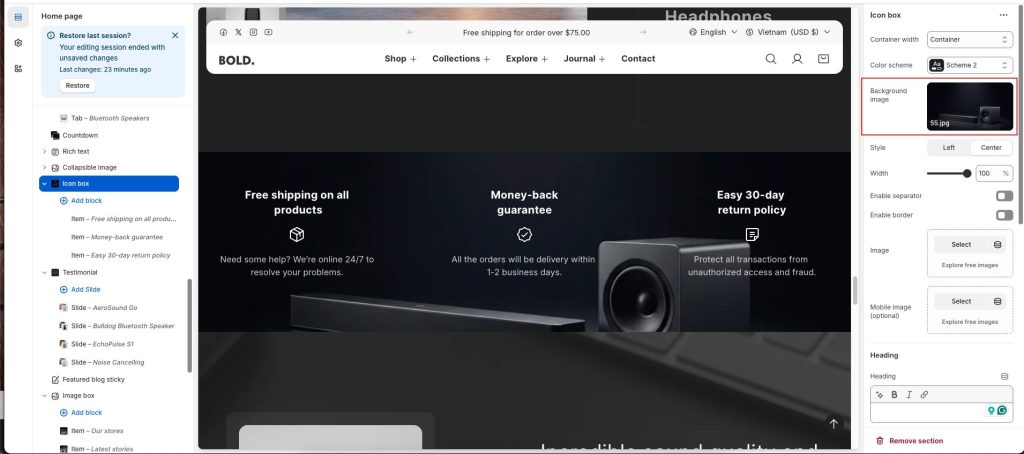
Style: Align the contents of the icon box blocks.
Width: Adjust the width of the icon box.
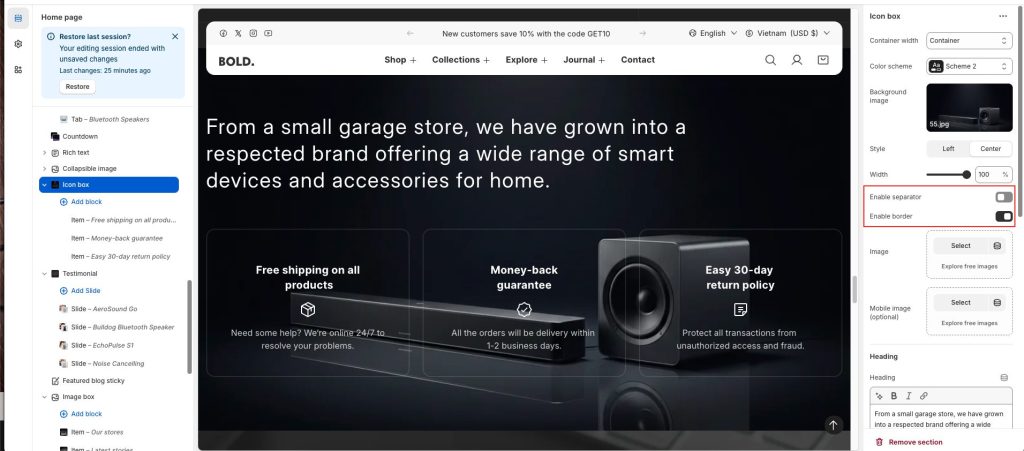
Create lines separating icon box blocks by Enable separator or Enable border options.
Blocks: