
Certain themes display product recommendations on product pages to help customers discover related and complementary products. You can customize these recommendations using the Shopify Search & Discovery app.
Create product recommendations
Customize product recommendations that display on your product page.
Steps:
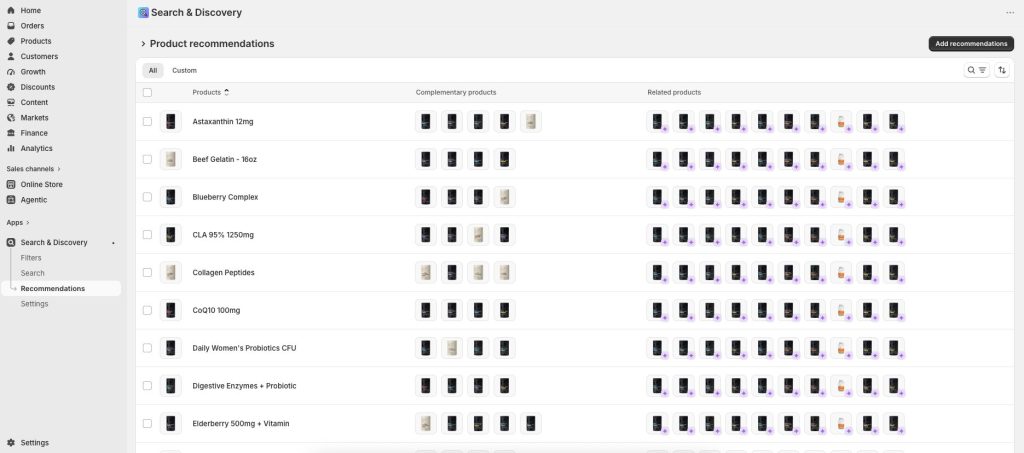
From your Shopify admin, go to Apps > Search & Discovery.
Click Product recommendations, select a product that you want to customize product recommendations for.
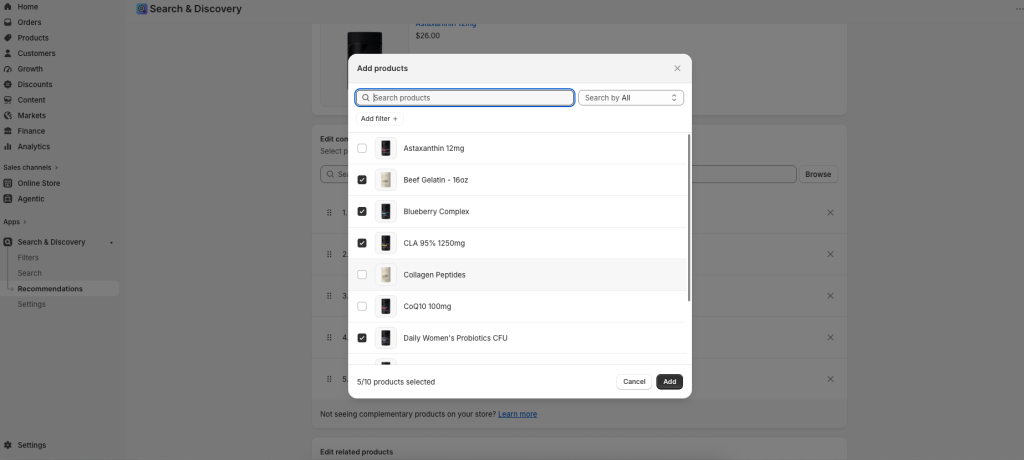
Select up to 10 Complementary products.
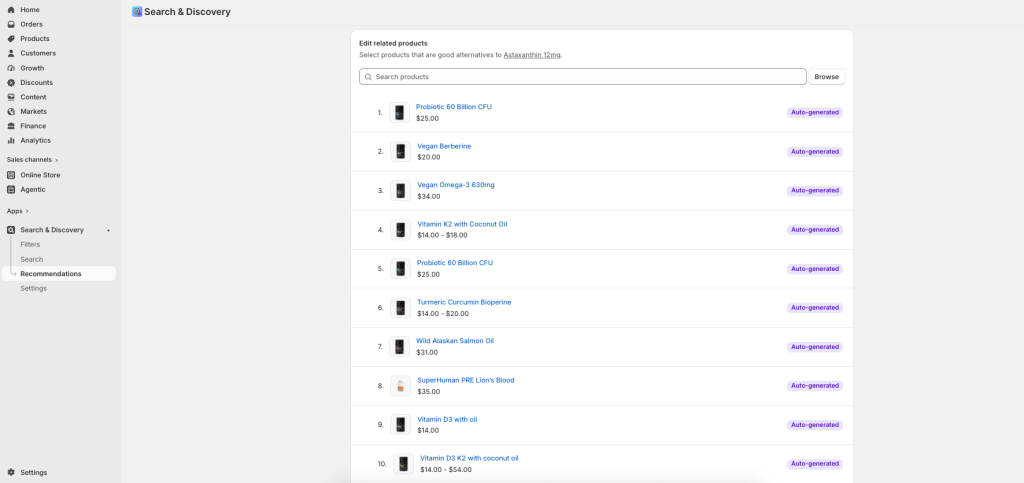
Select up to 10 Related products to recommend. Set the product to display only the custom recommendations or to display both custom recommendations and automatically generated recommendations.
Click Save.
Customizing the appearance of complementary products
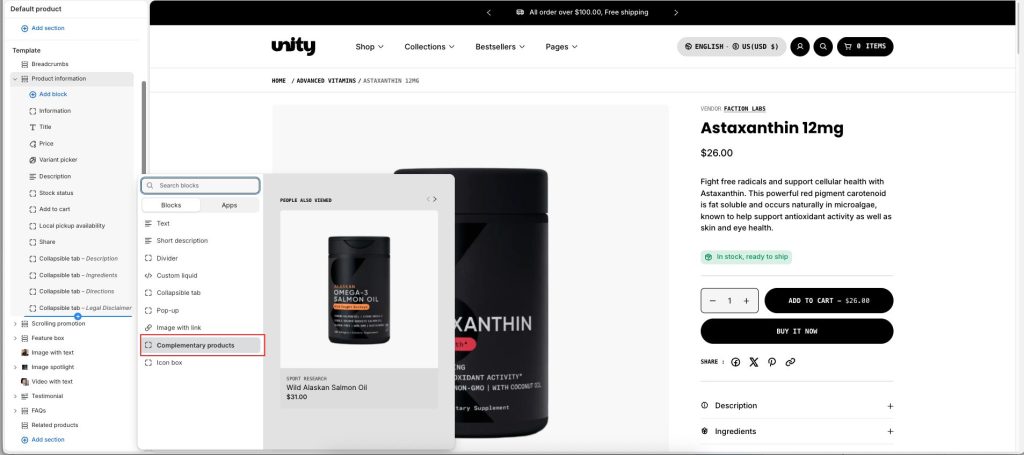
In Product information, click + Add block, and then select Complementary products.
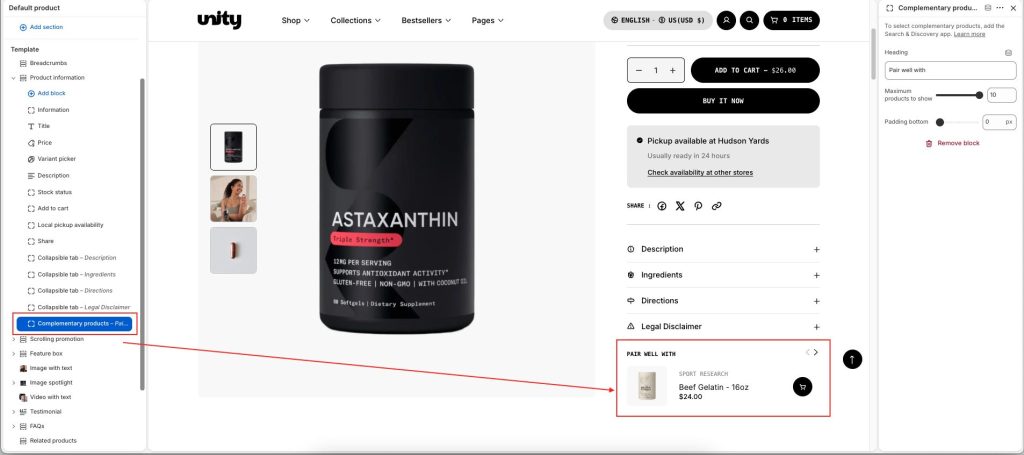
Heading: The title of the block.
Maximum products to show: Select the maximum number of complementary products to display. Select a value between 1 and 10.
Padding bottom: Add bottom padding to the block below. Select a value between 0px and 100px.