
The section displays an image and text, side-by-side, on a page.
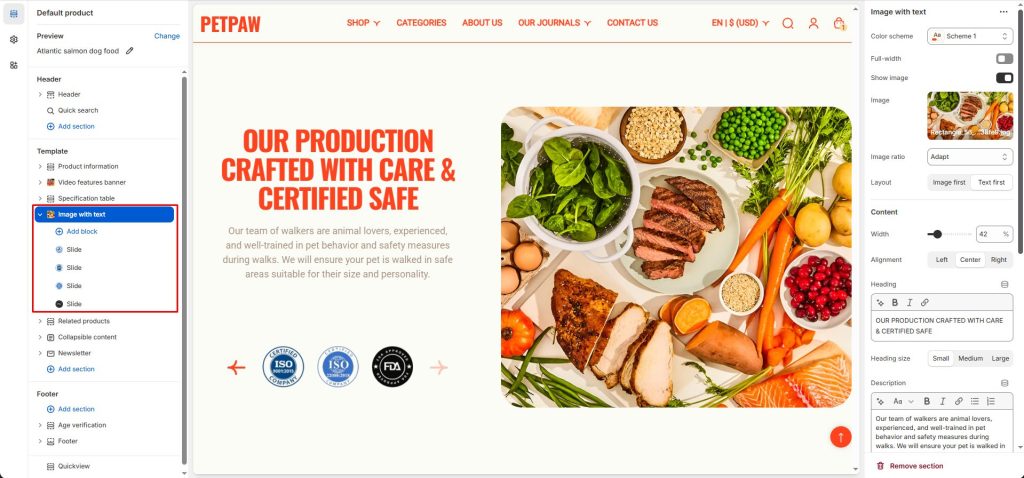
To configure your Image with text section:
- Go to Customize theme. In the Theme editor, at the top of the page, use the dropdown to select a page that contains an Image with text section.
- From the side menu, select Image with text.
- Select section setting.
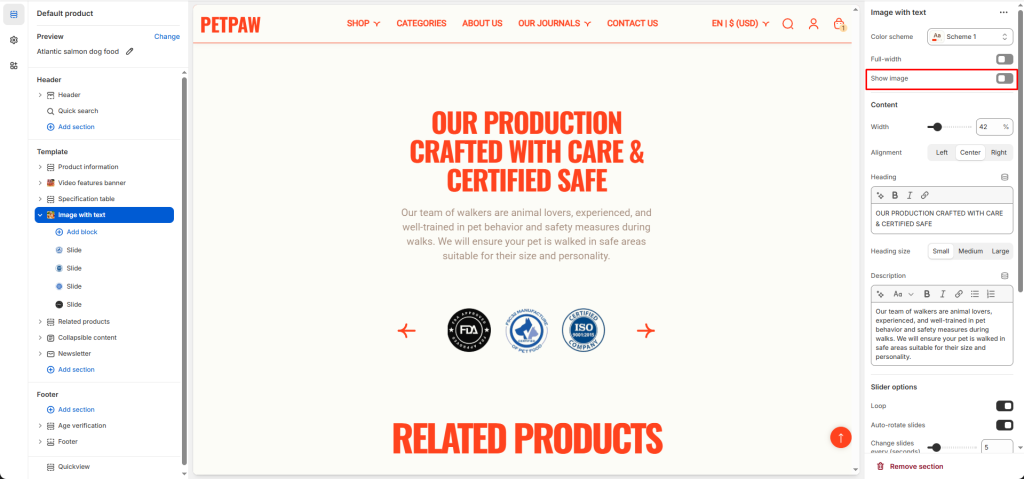
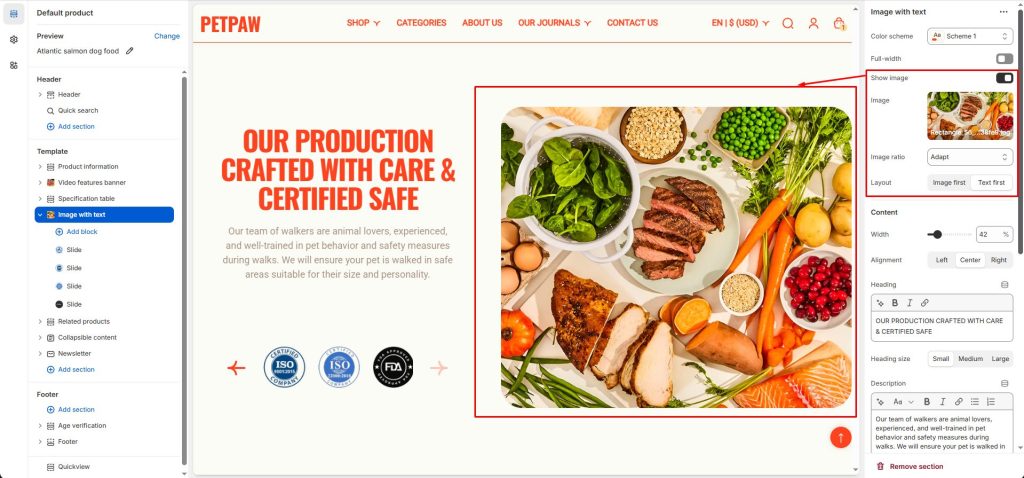
Show image: Show/hide image.
When Show image is enabled, you can select image, set image style, and display layouts.
2 Layouts to show: Image first and Text first
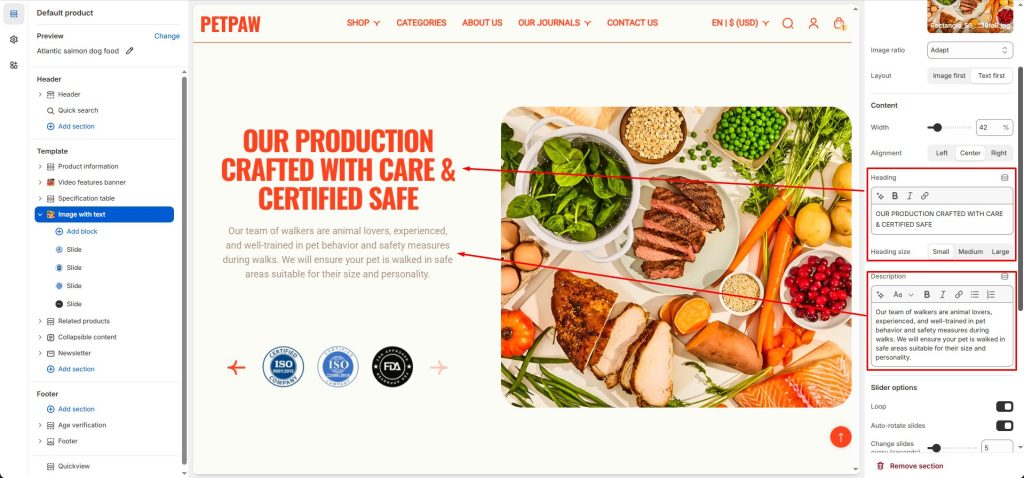
Set the Width and Alignment for the content.
Enter the Heading text to display inside the section
Use the Heading size options to set the section’s heading text
In the Description box, enter text to display inside the section. Format the text and add links, using the Text editor pane.
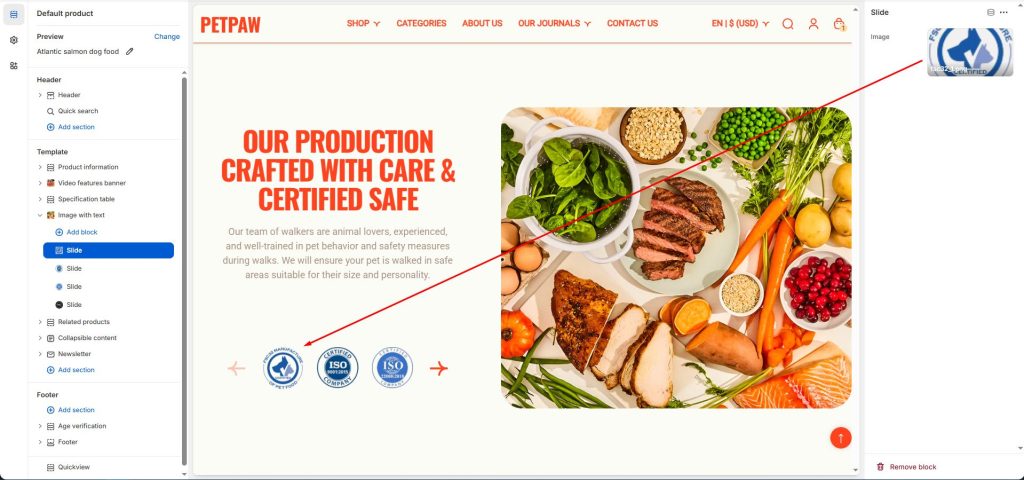
Use Slide blocks to add images to the slider.