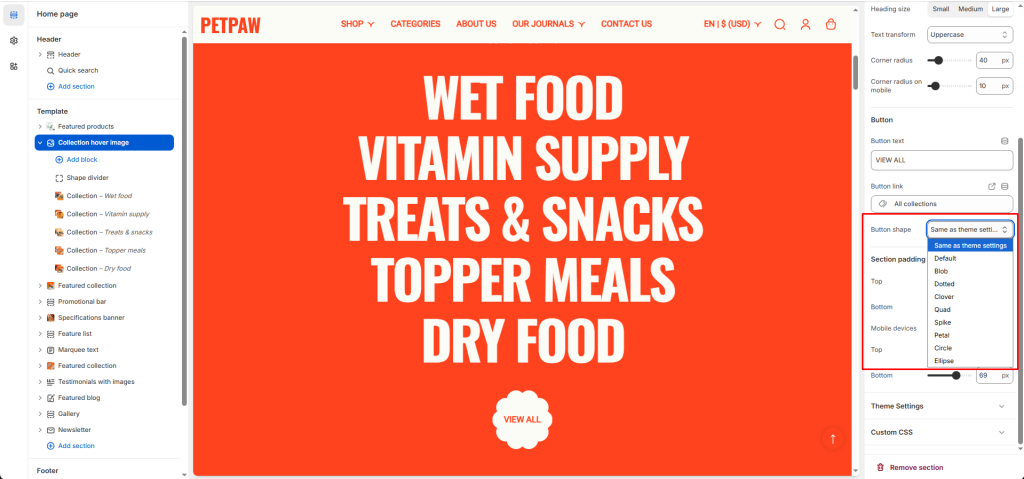
The Mivo theme allows you to easily customize the shape of the buttons.
You can configure the buttons in Theme settings -> Buttons.
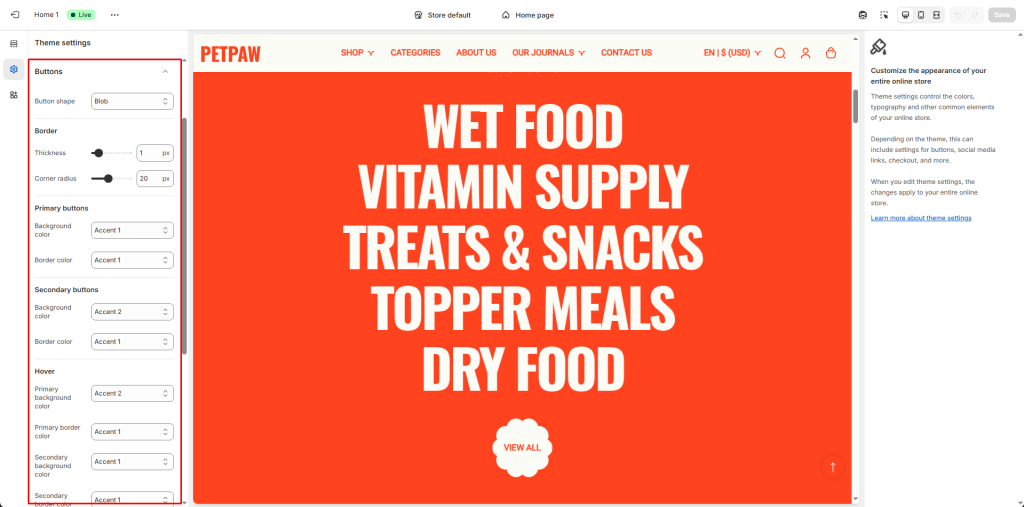
You can choose the button shape, as well as adjust the button border and color. These settings will apply to all buttons.
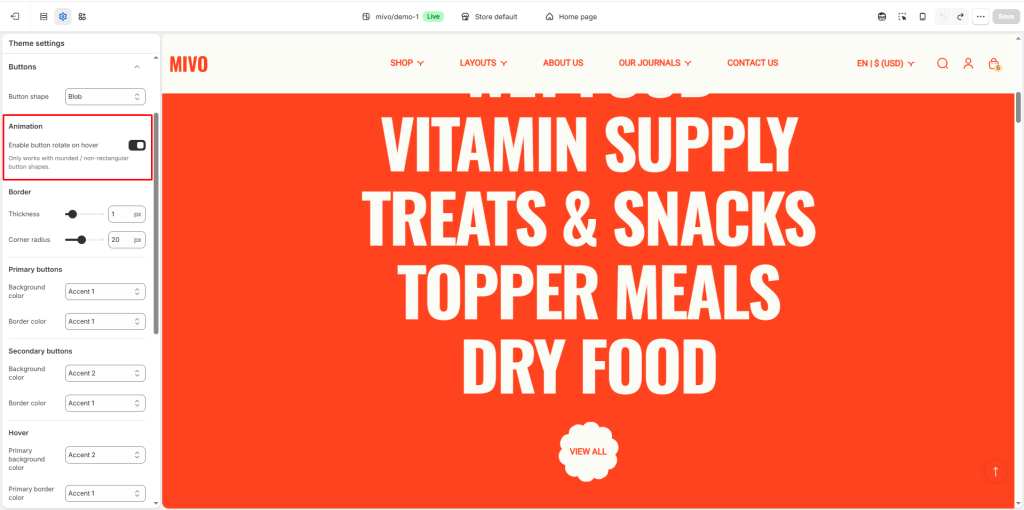
You can turn the button rotation effect on/off when hovering. Note that this effect only applies to buttons with a round shape (e.g., Blob, Clover, Spike, etc.).
Additionally, you can also customize the button’s shape within the sections.