Steps
1. In the theme editor (Customize), click Theme settings
2. Locate Colors
3. Make necessary changes
4. Save
The section includes the following parts:
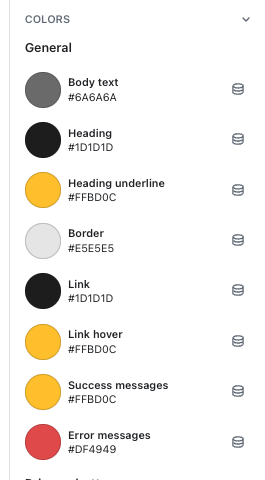
General
Use the rounded to change the color for text across the whole site.
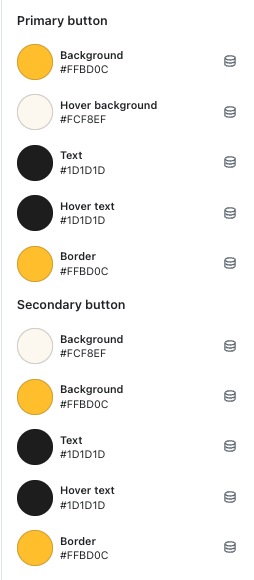
Button color
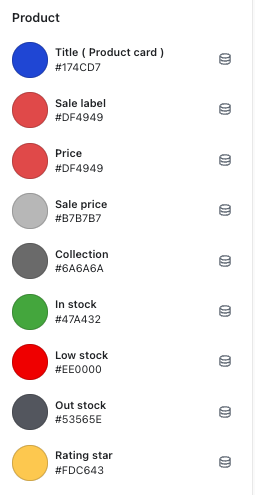
Product
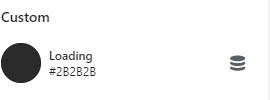
Loading