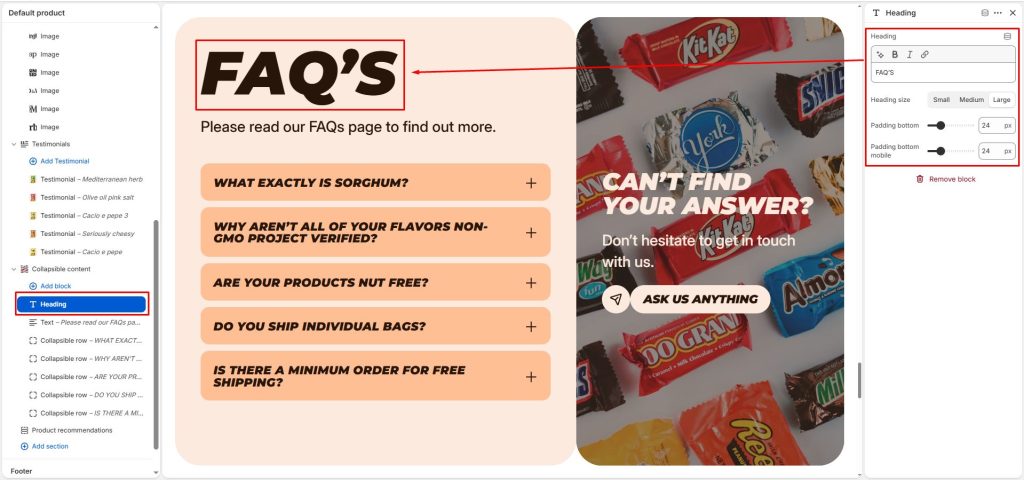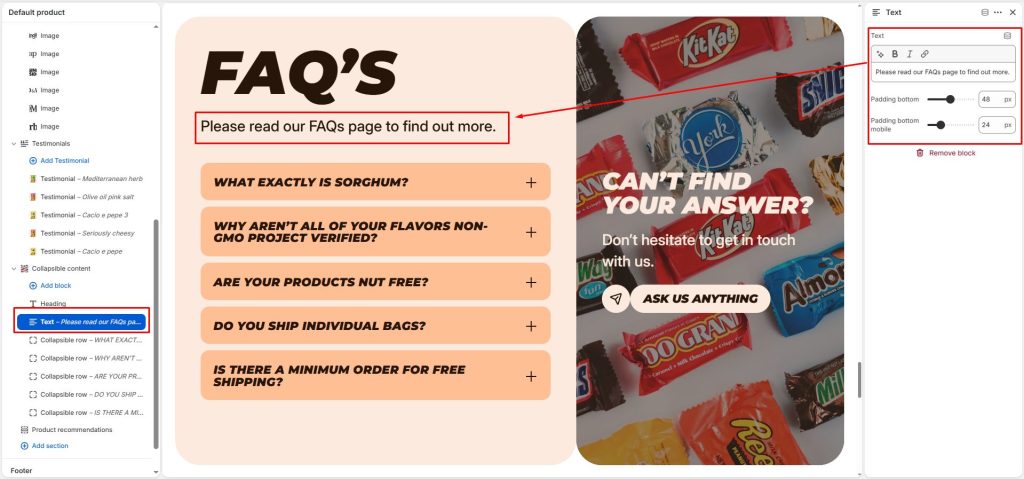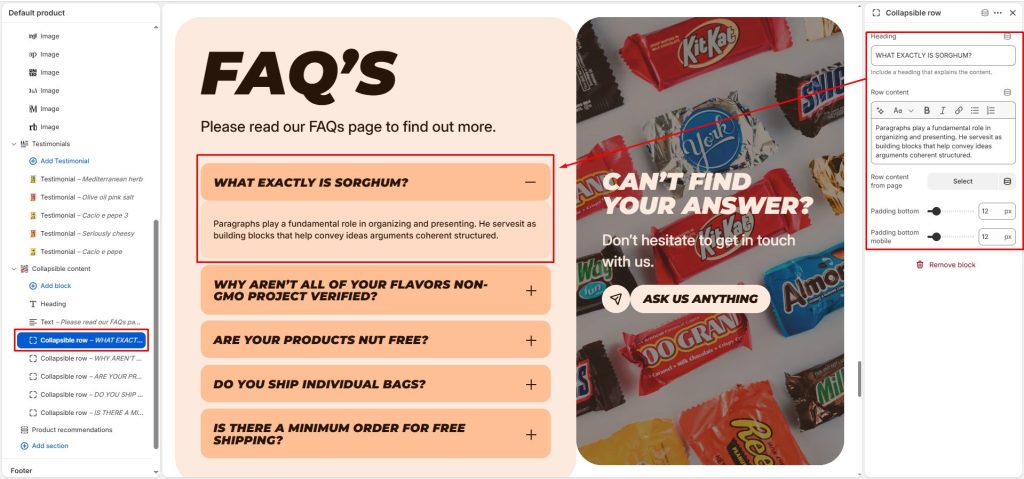
The collapsible content section helps organize and display content in a concise form, allowing users to easily expand it to view more information when needed, thereby keeping the page layout clean and improving the reading experience.
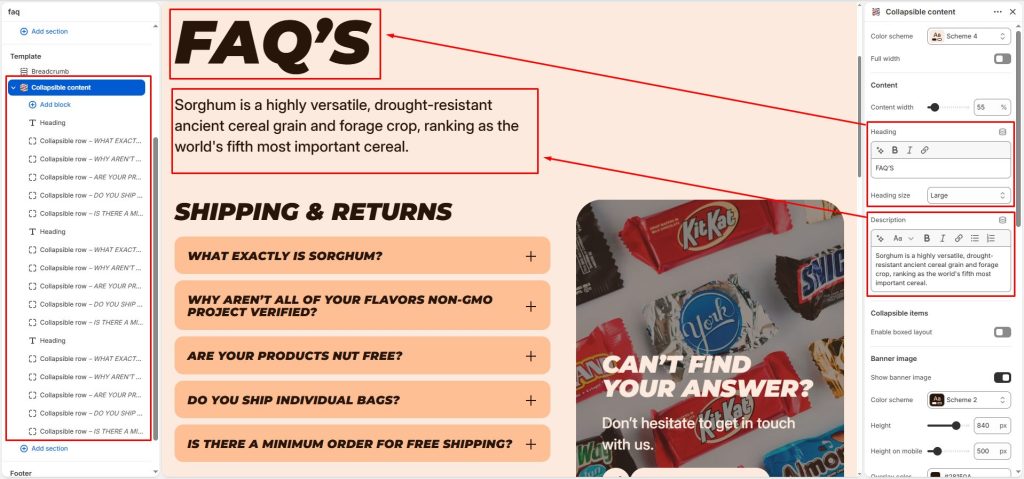
Content width: Adjust the width of the heading and description.
Enter the heading and description, and adjust the heading size.
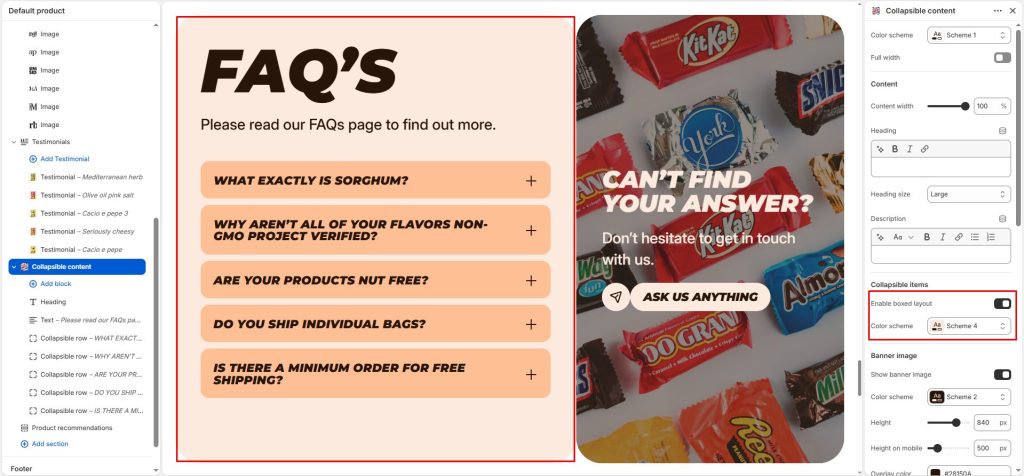
Collapsible items settings
Enable boxed layout: Allows you to create a box-style layout for the section content, with content blocks for elements such as heading, text, and collapsible row.
Color scheme: Choose a color scheme for the box layout.
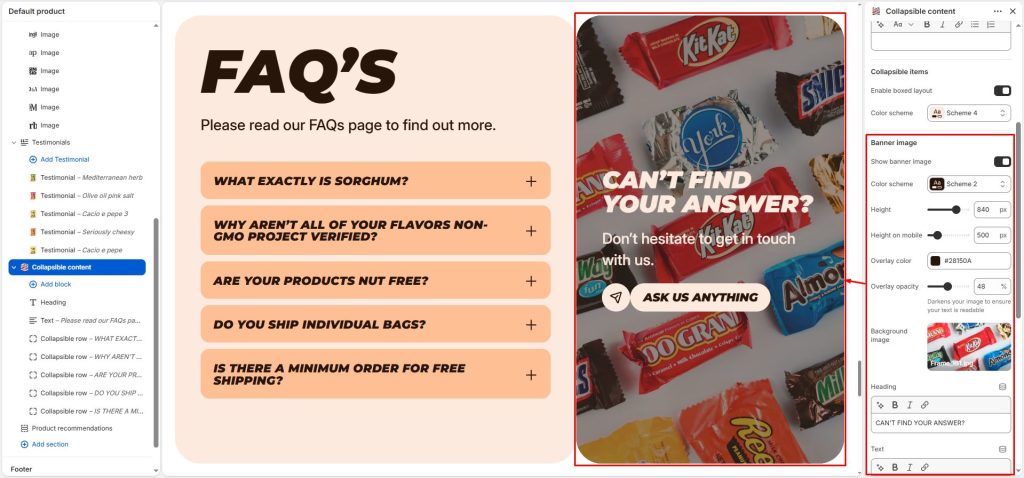
Banner image
Allows you to display a banner within the section. The banner includes settings for choosing a color scheme, adjusting its height on desktop and mobile, customizing the overlay, selecting an image, and adding banner content.
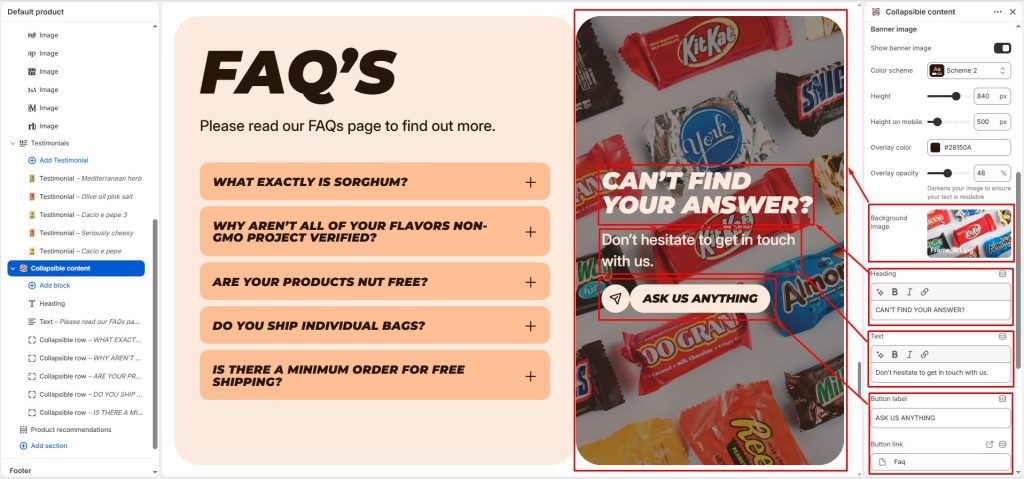
Block settings