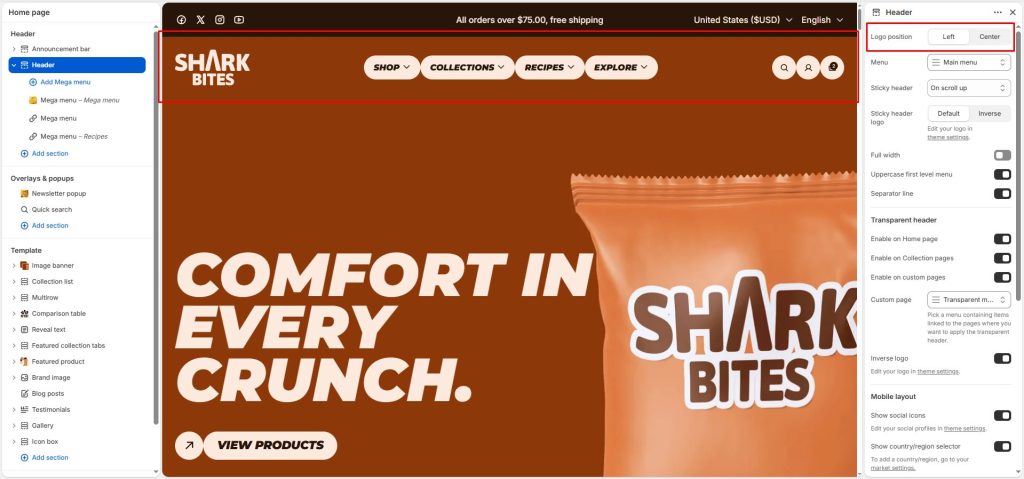
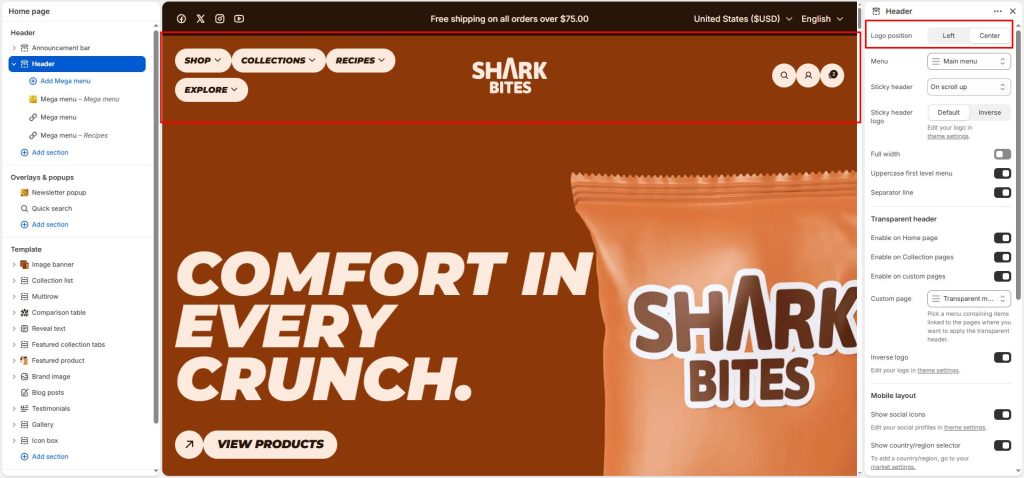
Logo position: The Logo Position setting controls where your store logo appears in the desktop header.
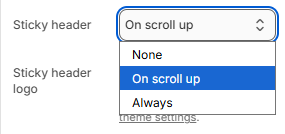
Sticky header: This sticky header appears when users scroll the page. Choose active sticky when on scroll up, Always show, or None.
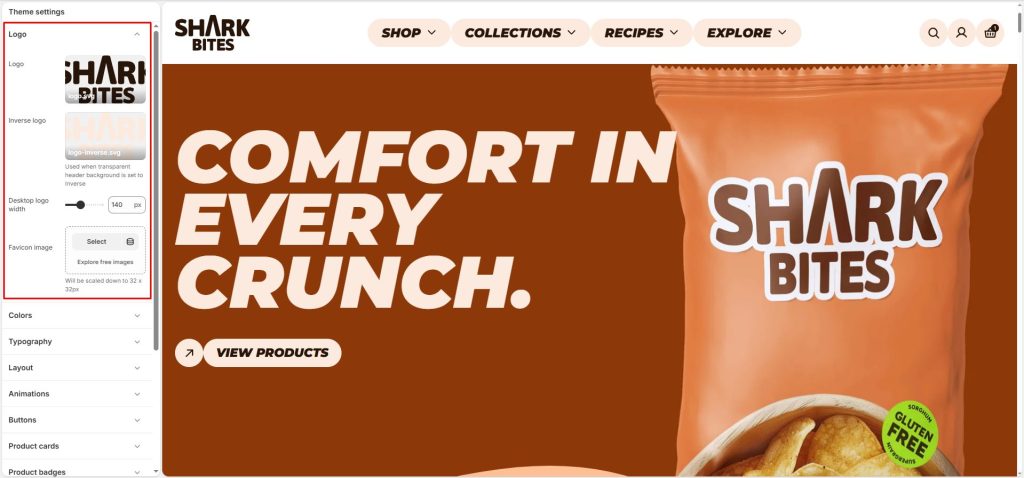
Sticky header logo: Select the logo to display when the sticky header appears. Logos can be configured under Theme Settings -> Logo.
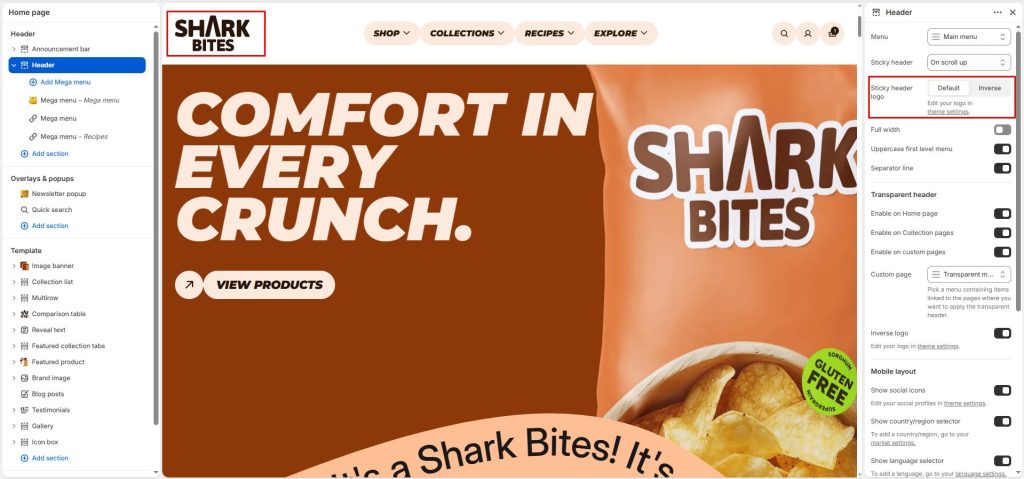
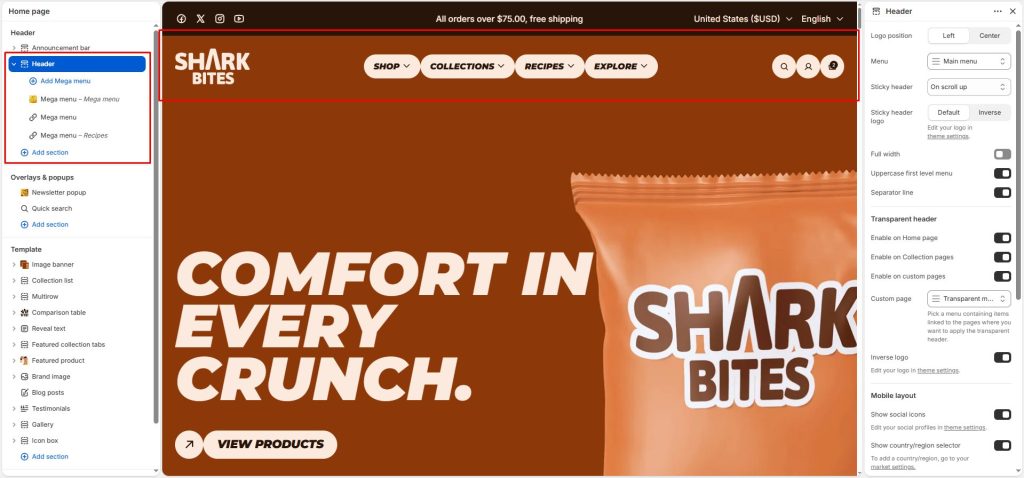
Menu: Select the menu for the header and use Uppercase first level menu to change text style.
Separator line: Separate the header from the page content
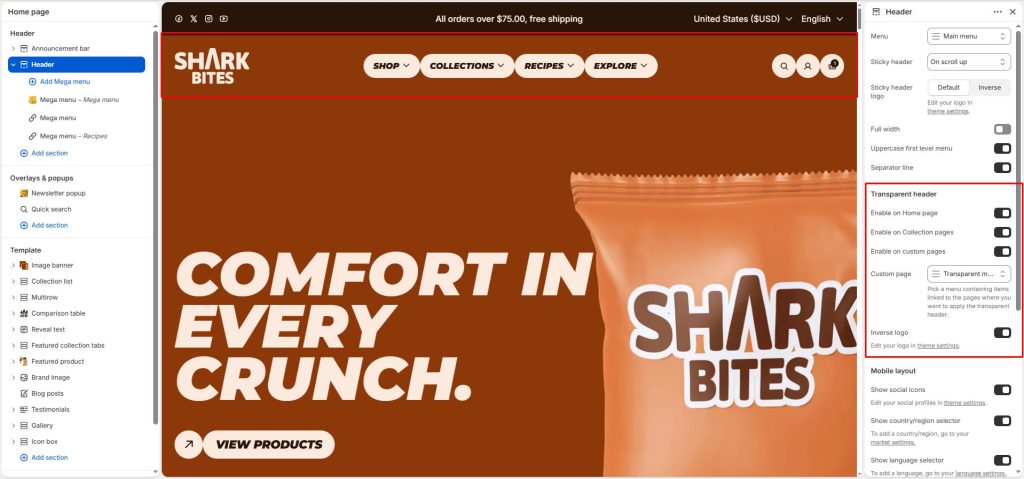
Transparent header
Enable on Home page: Only show transparent on homepage
Enable on Collection pages: All collection pages will have a transparent header when the option is active
Enable on custom pages: Allow the transparent header to be displayed on custom pages.
Custom page: Select a menu containing the pages where the transparent header will be displayed.
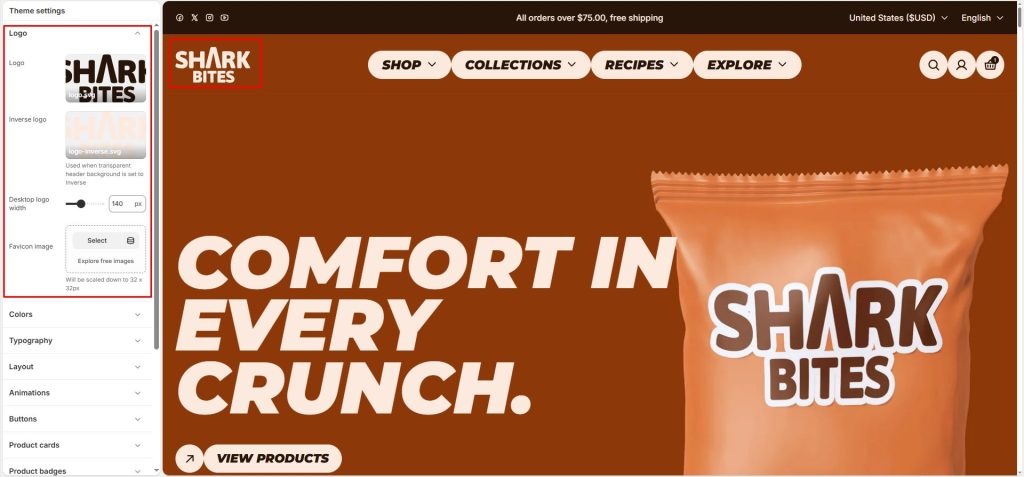
Inverse logo: Use the inverse logo for the transparent header.
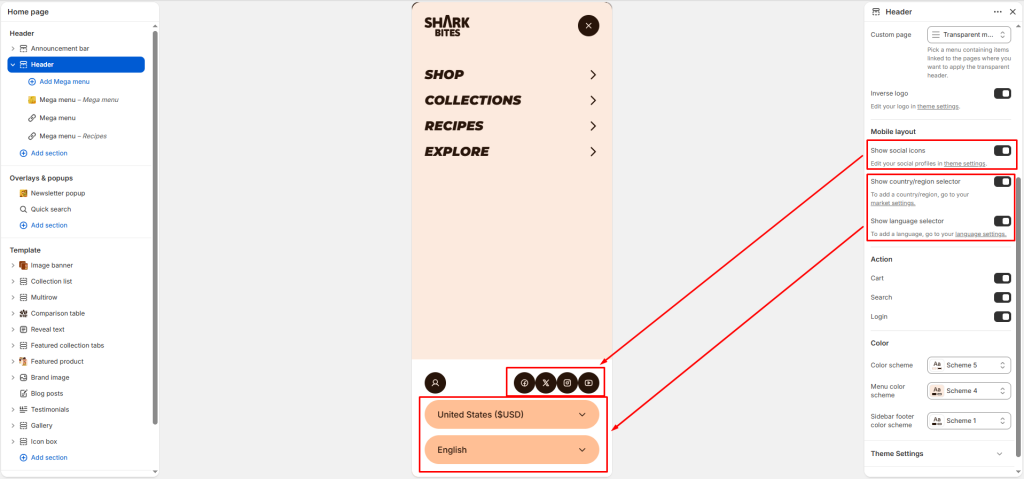
Mobile layout
Allow social media icons, country/region selectors, or language selectors to be displayed in the header drawer.
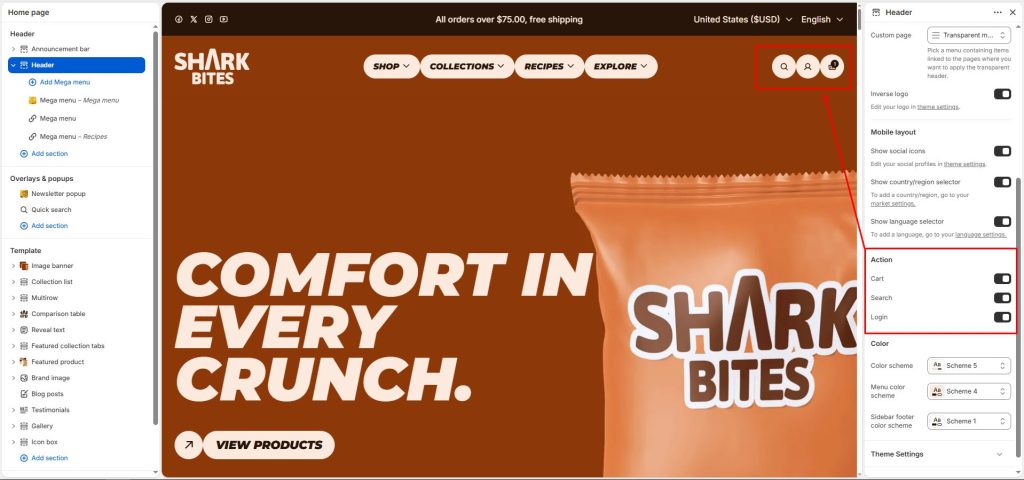
Action
Cart, Search and Login: Options to enable/disable on header.
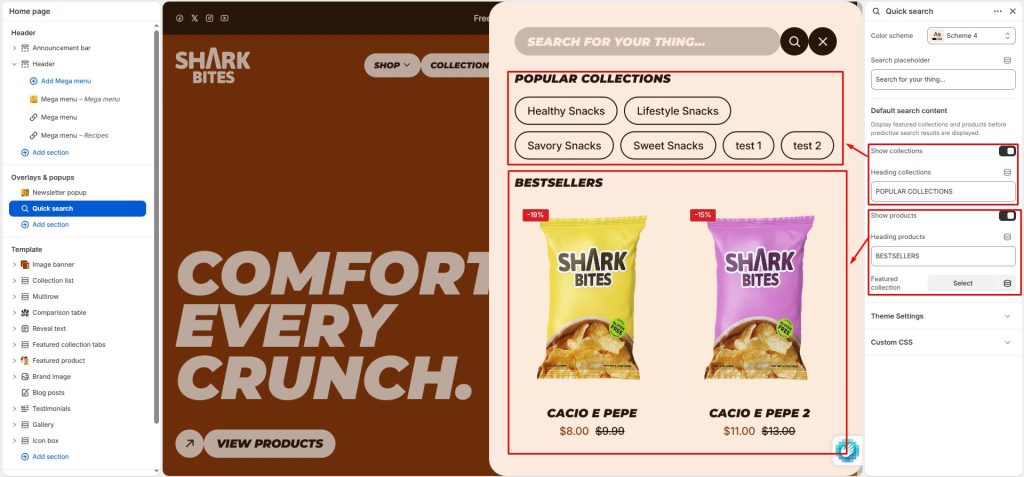
To customize the search form, you need to go to the Quick search section.
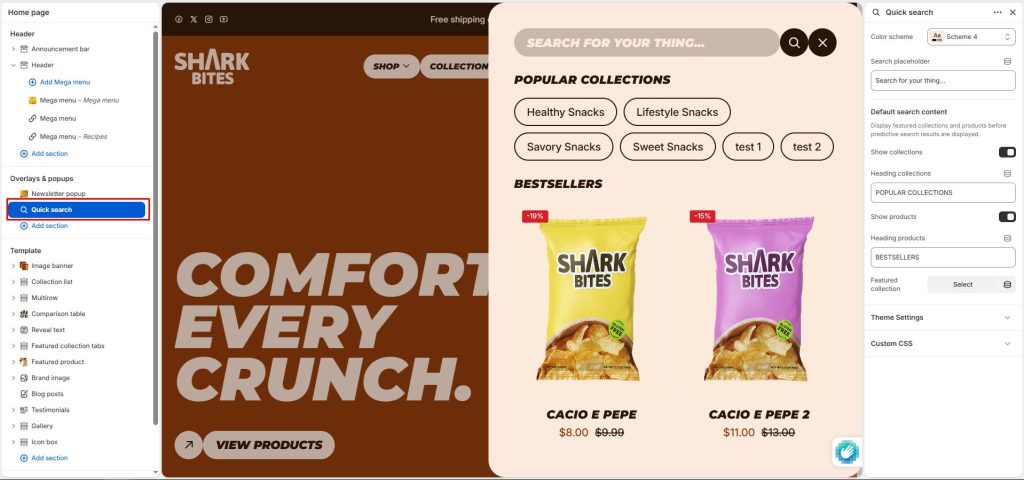
Search Placeholder: Set the text displayed in the search input field when no keyword has been entered. This placeholder text serves as a prompt or suggestion for what users can search for, improving user experience and making the search interface more intuitive.
Show collections: Enable/disable collections to suggest before performing a search. Set the Heading collections.
Show products: Enable/disable products to suggest before performing a search. Set the Heading products.
Featured collection: Select a featured collection to display suggested products before search results are displayed.