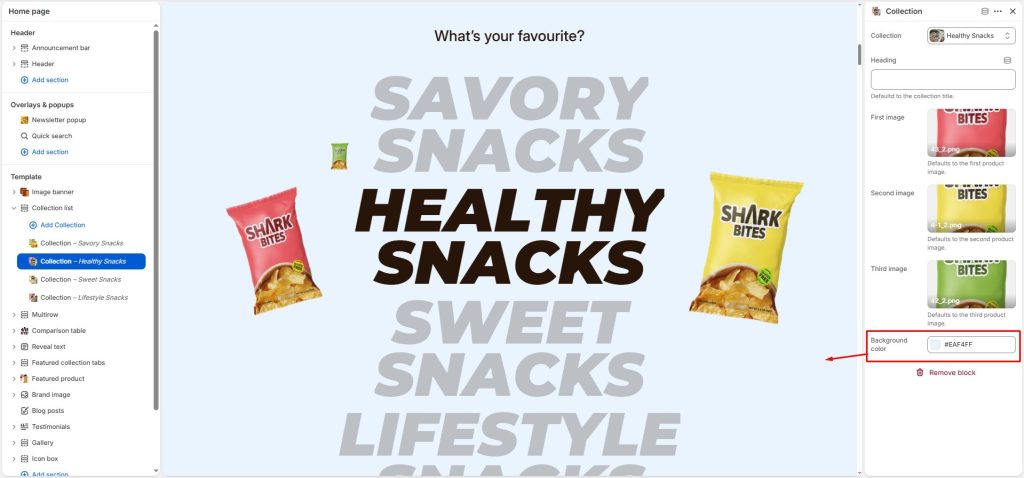
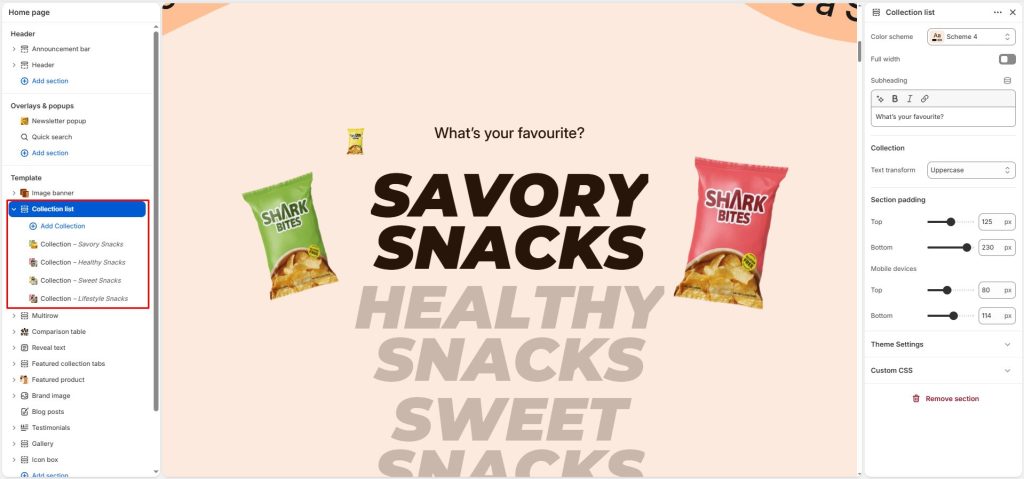
The Collection list section displays a list of collections with image reveal effects and background color changes as users scroll through the collections.
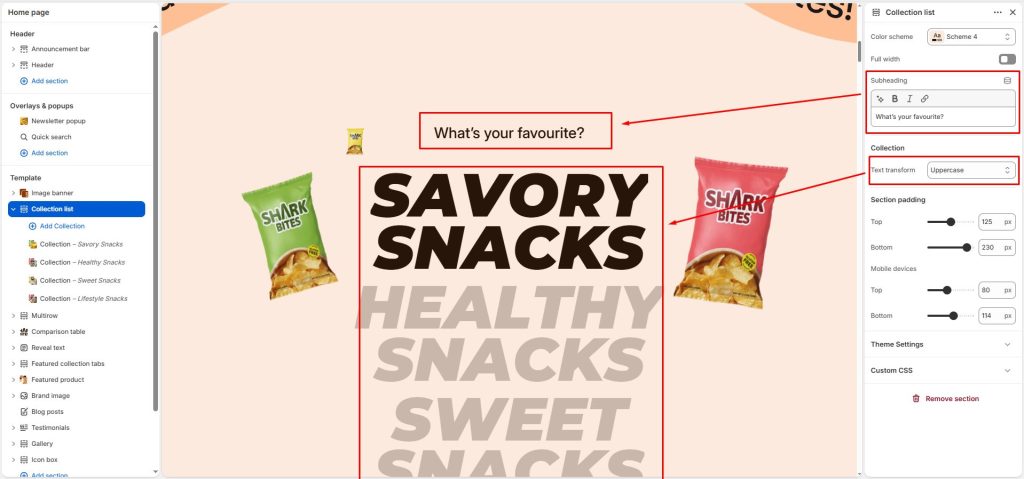
Enter a subheading.
Customize the text transform for collection names.
Next, select the collections you want to display by configuring the Collection blocks.
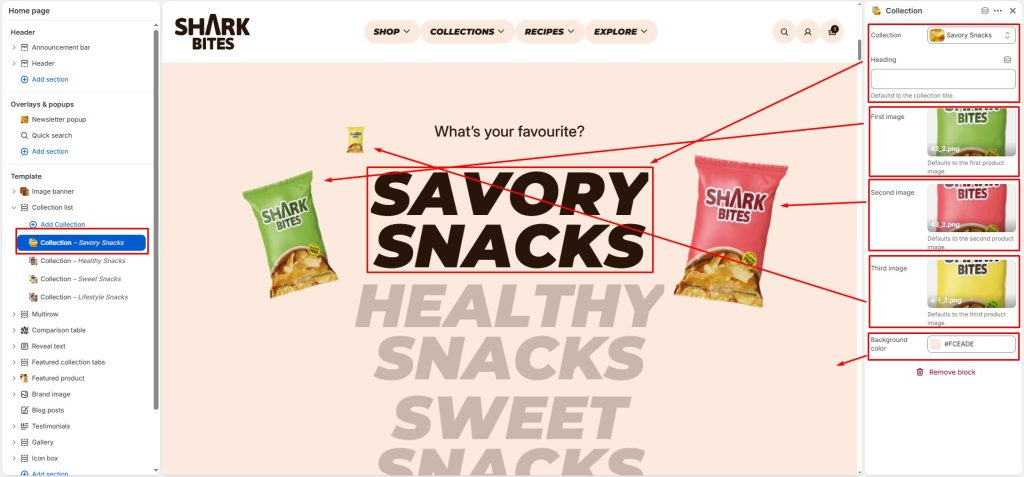
Select a collection. You can replace its collection title with a custom title of your choice.
Then, select the images to display when that collection is scrolled into view. If no images are selected, the section will automatically use the corresponding product images from that collection.
Set the background color to change for each collection.