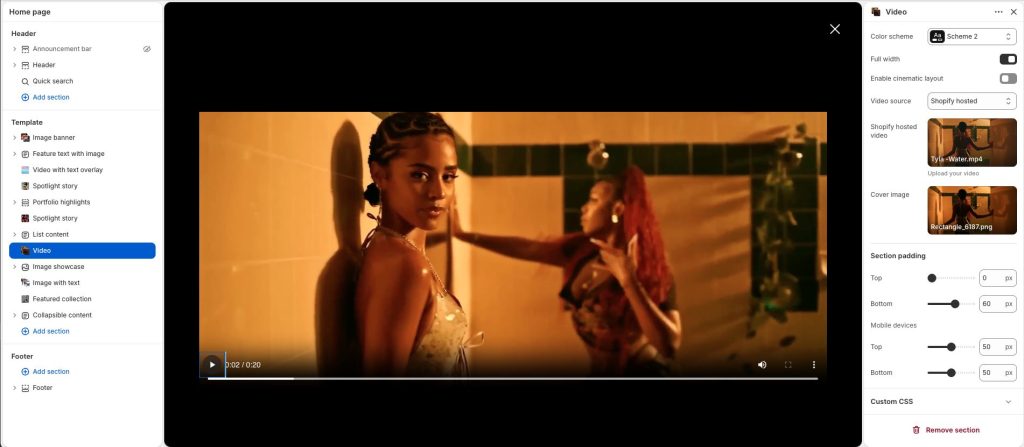
Display video content in an immersive and visually engaging layout. Combine motion, imagery, and text to highlight stories, promotions, or featured content. Flexible media and content options make the section suitable for hero areas, campaigns, and cinematic presentations. Create a dynamic experience that captures attention and enhances visual storytelling.
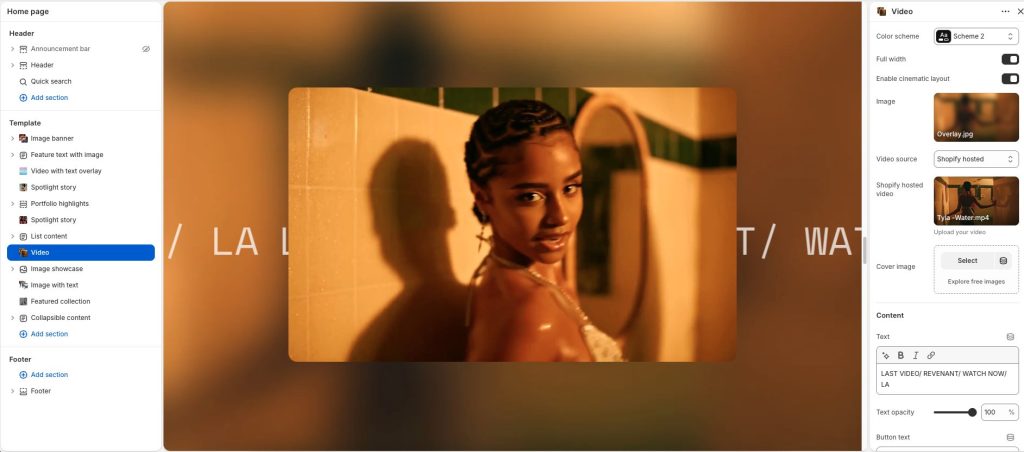
Color scheme: Select a color palette for the section background and content.
Full width: Expand the section to fill the full width of the screen.
Enable cinematic layout: Apply an immersive cinematic-style presentation to the section.
Image: Upload a background image; show only when cinematic layout is enabled.
Video source: Choose the source type for the video content.
Cover image: Add a preview image displayed before the video loads or non-video.
Text: Add overlay text or promotional content for the section.
Text opacity: Adjust the transparency level of the overlay text.
Button text: Add a label for the call-to-action button. Links to videos will be opened in a video player
Default layout
Cover image: Add a preview image displayed for video.
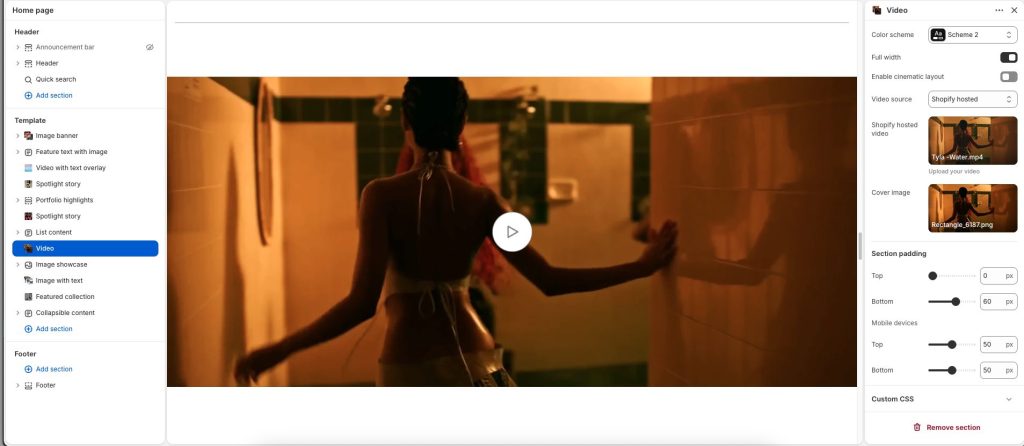
Click the play button to open in a video player