
Showcase key moments, achievements, or stories through an immersive timeline presentation. Blend rich imagery, descriptive content, and structured sequencing to create a clear narrative flow across different periods or milestones. Flexible layout and animation settings make the section ideal for brand histories, artistic journeys, campaigns, or editorial storytelling experiences.
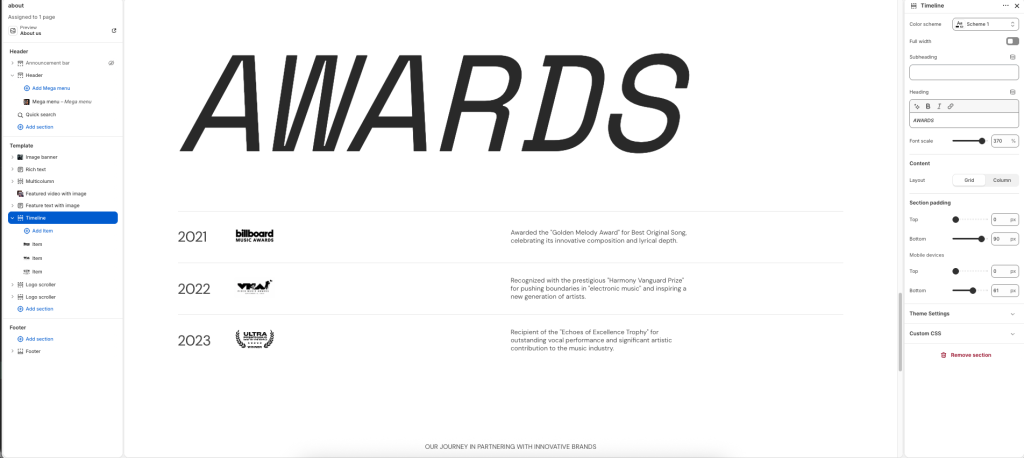
Color scheme: Select a color palette for the section background and content.
Full width: Expand the section to fill the full width of the screen.
Subheading: Add a short supporting label or introductory text.
Heading: Display the main title or featured message for the timeline section.
Font scale: Adjust the heading text size up to 400%.
Content
Layout: Choose the visual arrangement style for the timeline items.
Grid layout
Column layout
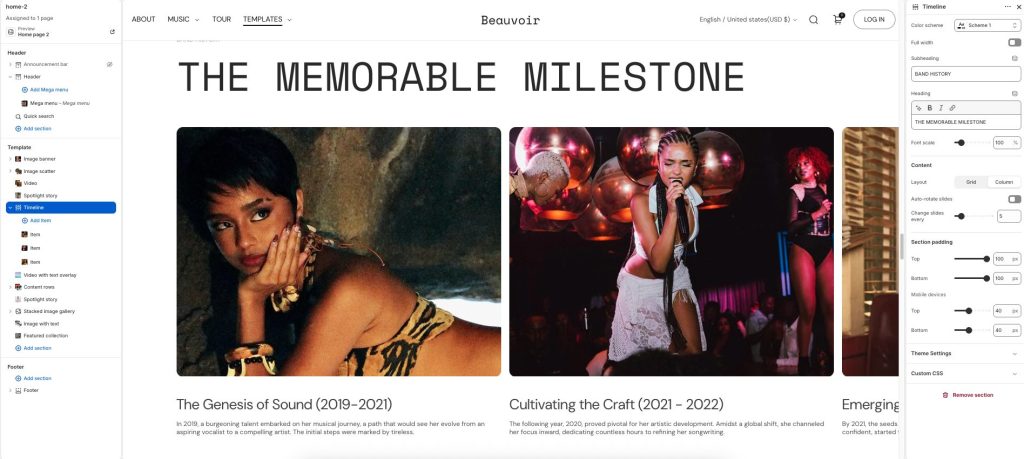
Auto-rotate slides: Automatically cycle through timeline items or slides.
Change slides every: Set the duration between automatic slide transitions.
Item
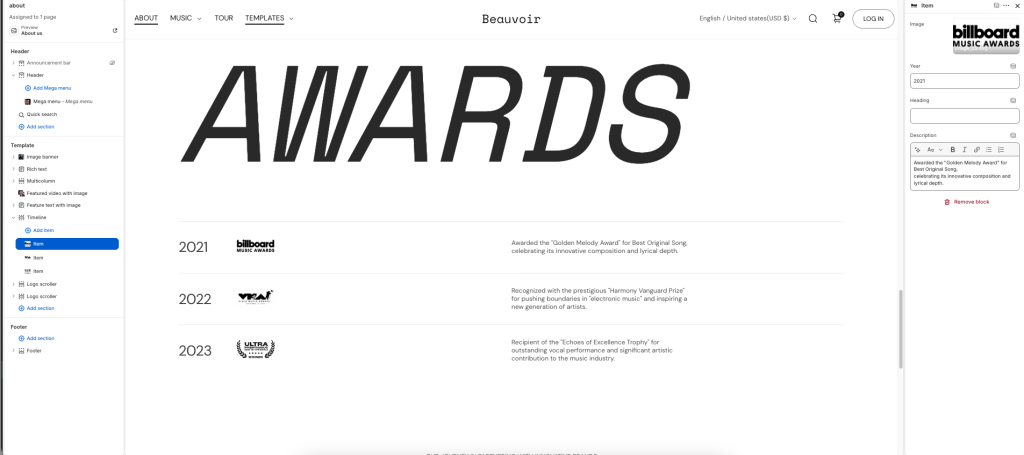
Image: Upload an image or logo displayed for the timeline item.
Year: Add the year or time label associated with the item.
Heading: Display the main title or award name for the item.
Description: Enter descriptive or supporting content for the timeline item.