
Combine imagery and text in a balanced layout to create engaging visual storytelling. Use this section to highlight products, share brand stories, or showcase featured content. Flexible content placement allows the design to adapt to different creative styles. Create a clean and immersive experience that draws attention to both visuals and messaging.
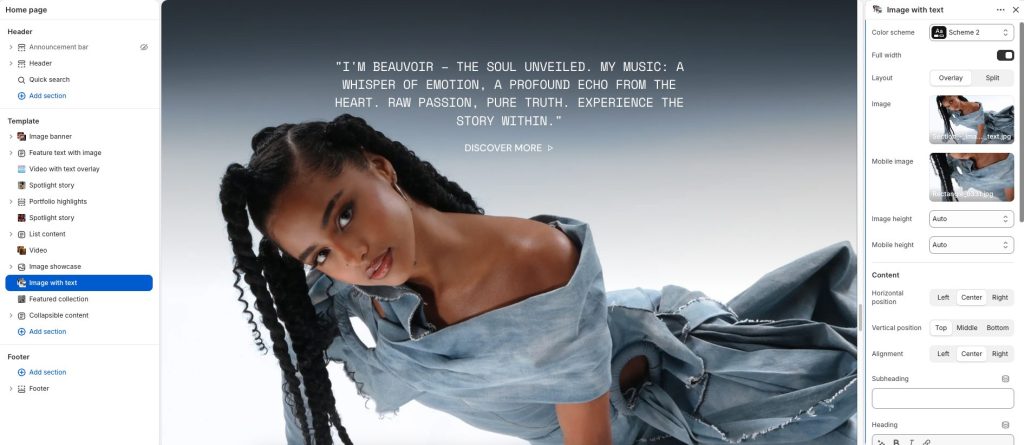
Color scheme: Choose a color palette for the section content and background.
Full width: Expand the section to span the full width of the screen.
Layout: Select how images and content are arranged within the section: Overlay and Split.
Overlay layout:
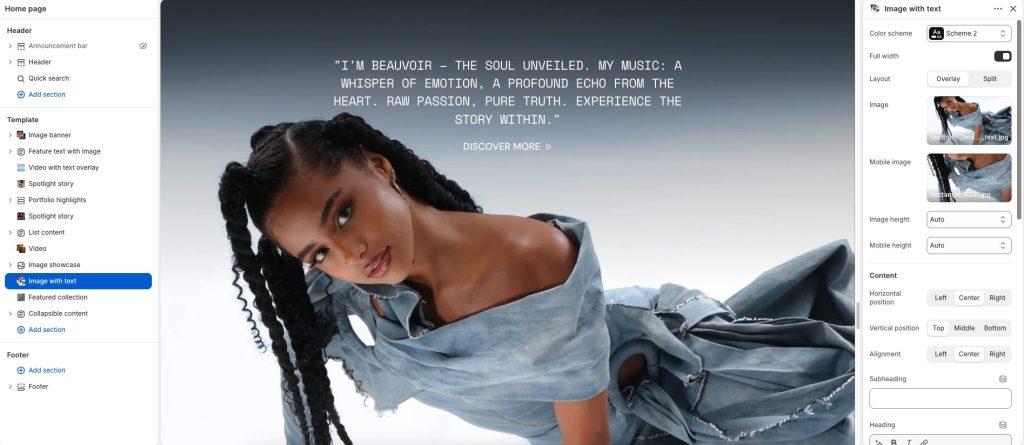
Image: Upload the image displayed in the section.
Mobile image: Add a special image for the mobile screen.
Add Image height options for desktop and mobile: Auto, Small, Medium, and Large.
Split layout:
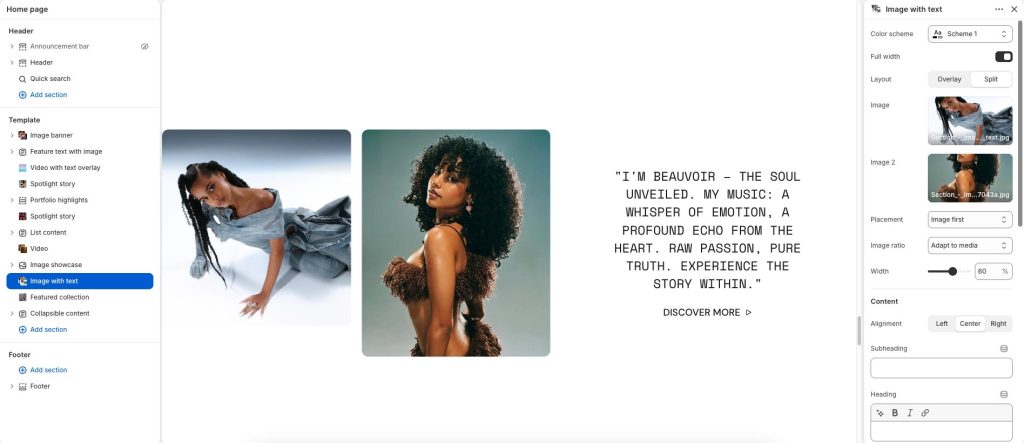
Image: Upload the primary image displayed in the section.
Image 2: Add a secondary image for split-style layouts.
Placement: Control the position and order of images and content with Image first or Image second option.
Image ratio: Adjust how images are cropped and displayed within the layout.
Width: Set the width to balance between the image and content areas.