
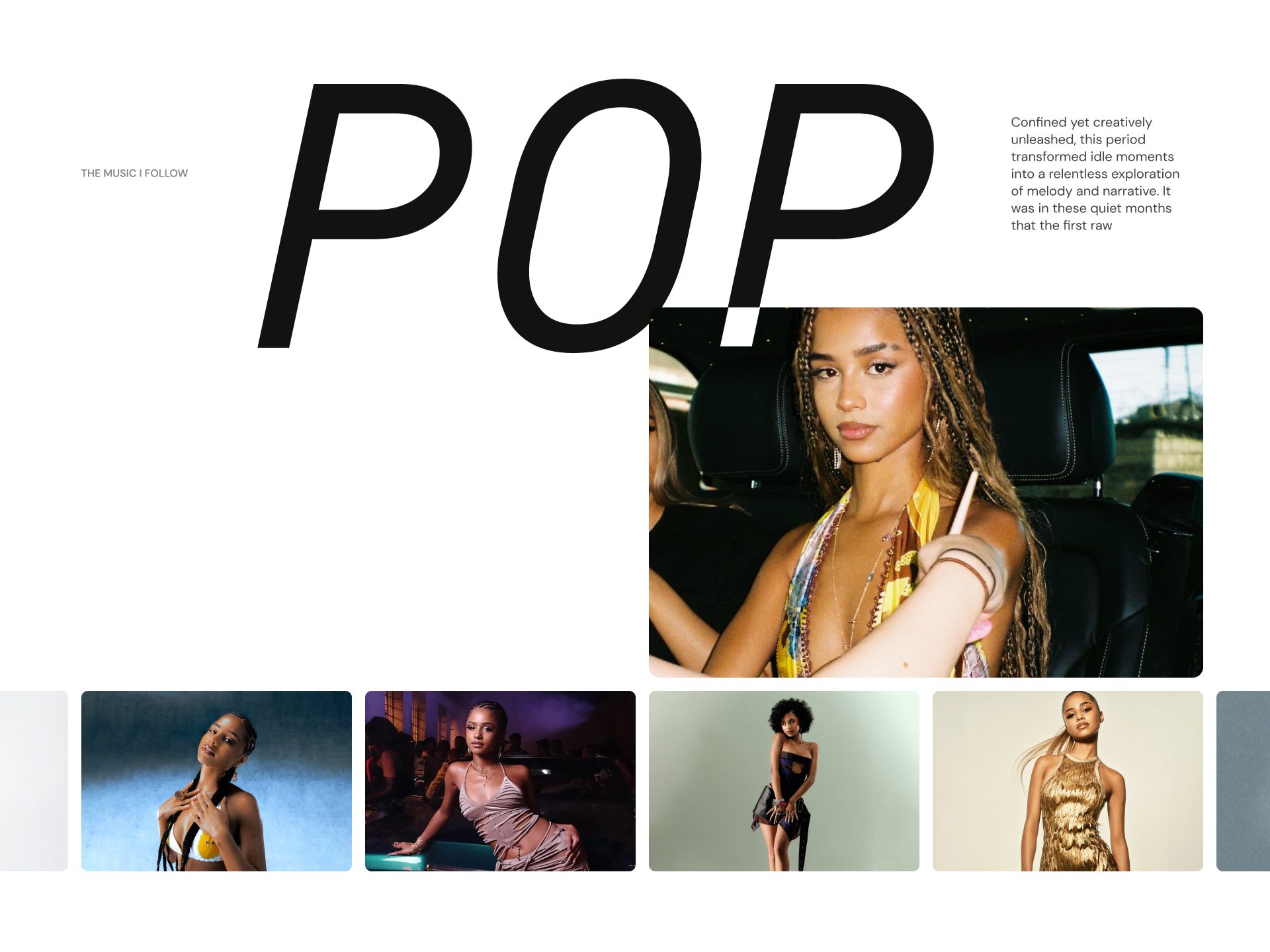
Showcase featured images in an interactive carousel layout designed to capture attention and highlight visual content. Combine imagery, text, and optional calls to action to create engaging storytelling experiences. Flexible slide arrangements and content settings make the section suitable for promotions, editorials, portfolios, or featured collections. Create a dynamic browsing experience with smooth transitions and immersive visuals.
Configure your Feature image carousel section:
Use the Color scheme picker to select a color scheme for the section.
There are two layouts:
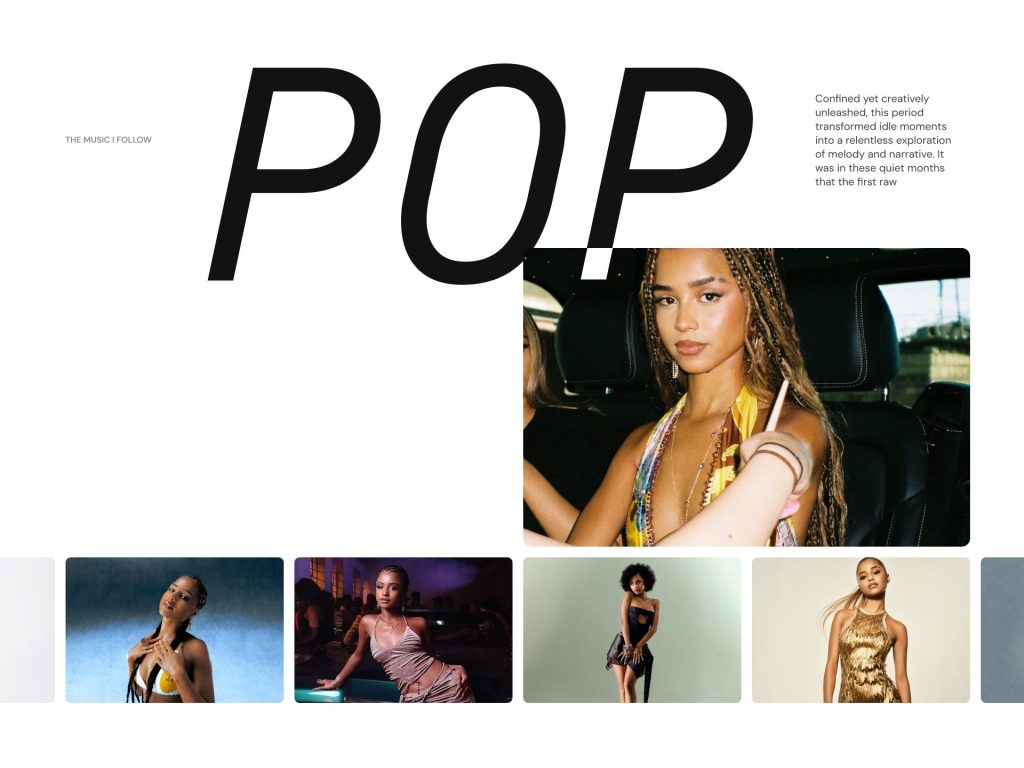
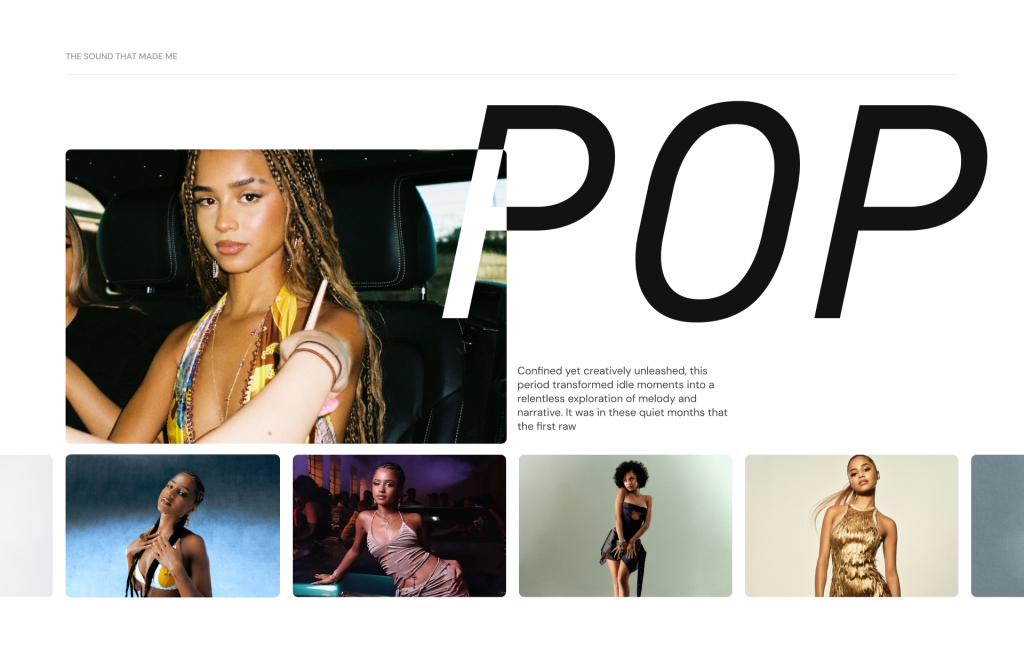
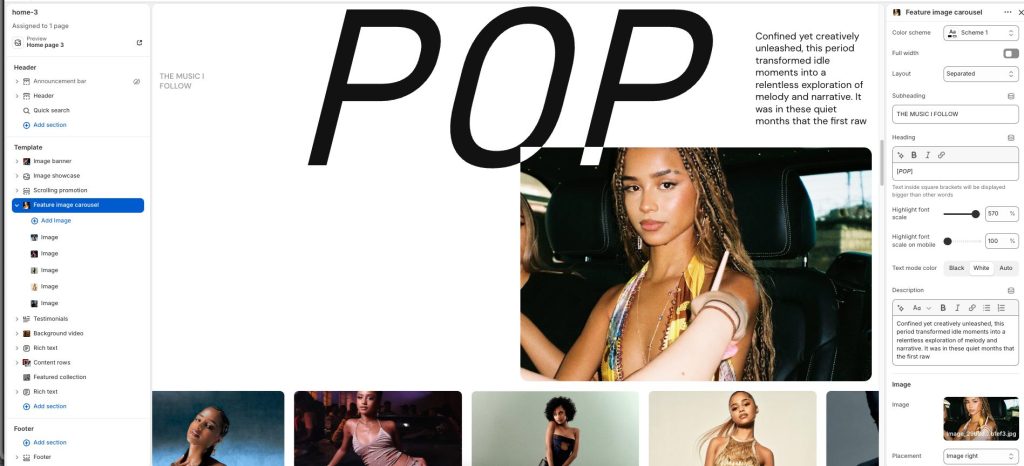
Enter the Subheading text to display inside the section
Add the Heading text to display inside the section. Add [Text] to display bigger than other words
Use Highlight font scale to change [Text] font for both desktop and mobile screens.
In the Description box, enter text to display inside the section. Format the text and add links, using the Text editor pane.
Image
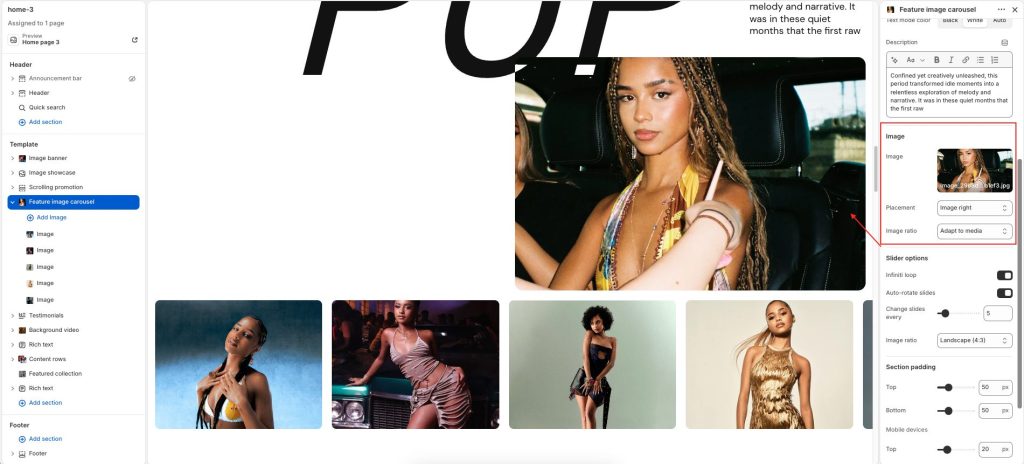
Placement: Control the position and order of the image with Image left or Image right option.
Image ratio: Adjust how images are cropped and displayed within the layout.
Slider options
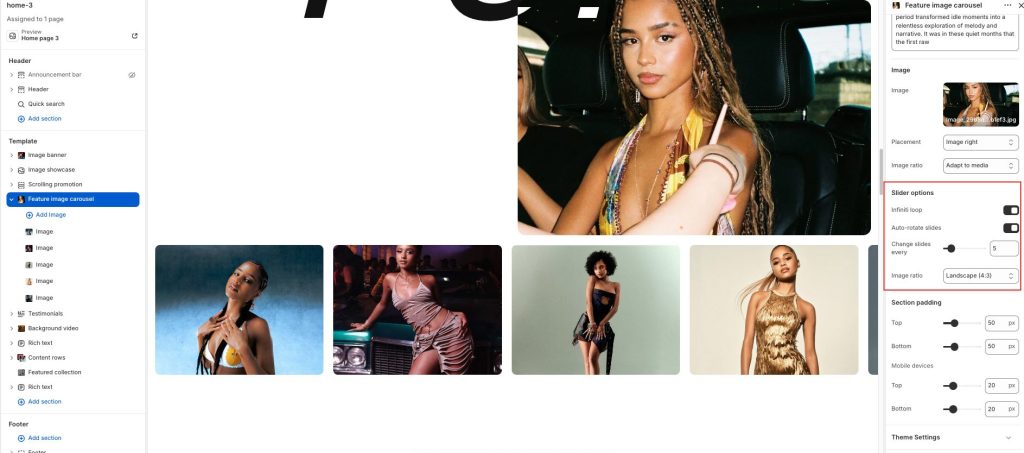
Select settings for image carousel
Configure your Feature image carousel block:
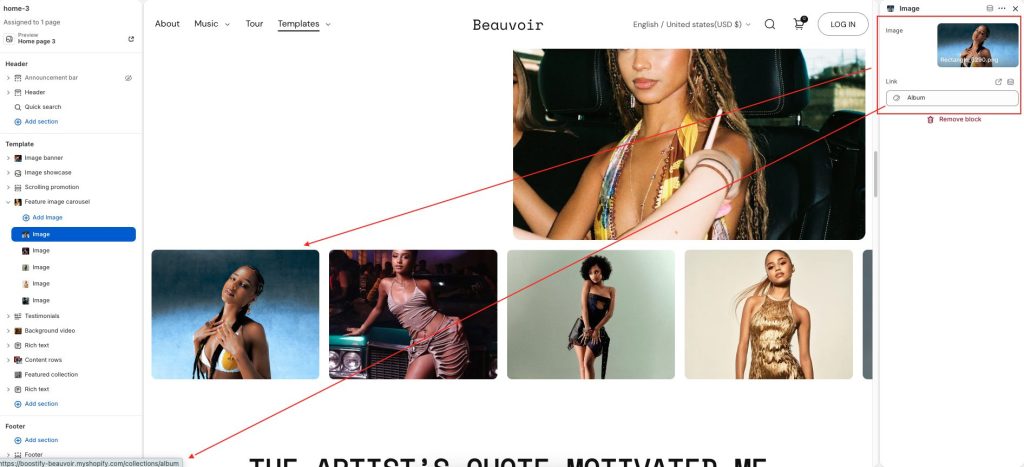
Select an Image for each block, and add Links to link the image to a URL and redirect to the page