
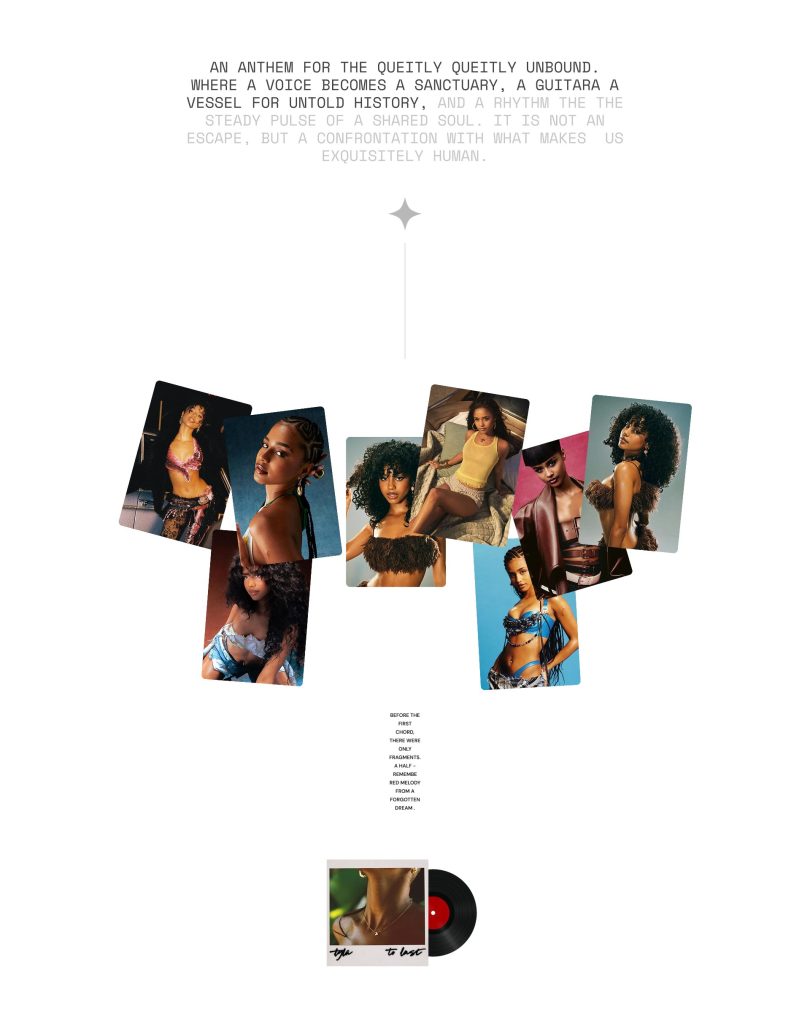
Display images in a playful, scattered layout to create a dynamic and expressive visual composition. Layer photos, text, and decorative elements to build immersive storytelling experiences with an editorial feel. Flexible positioning and content options make the section ideal for portfolios, campaigns, mood boards, or creative showcases. Create a freeform layout that feels artistic, modern, and visually engaging.
Reveal text and Icon fill
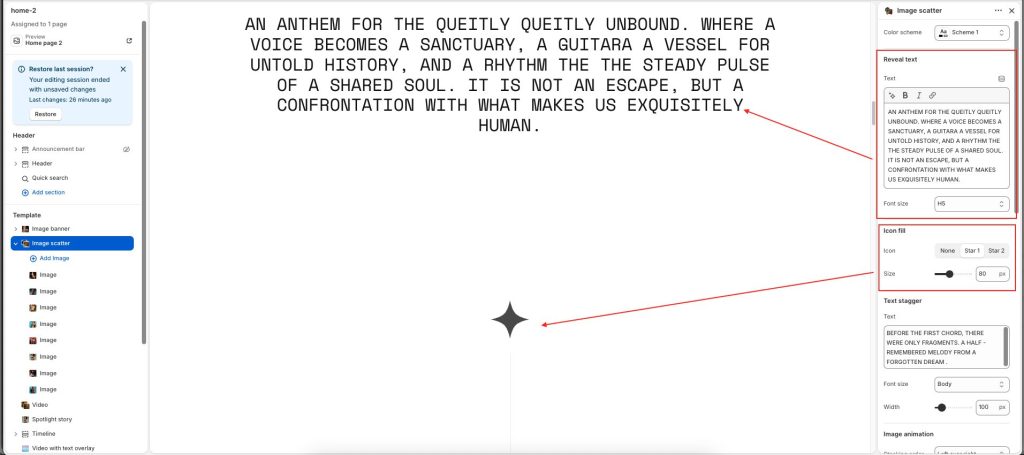
Enter the Text to display inside the section
Use the Font size options to set the section’s reveal text
Choose Icon style and set Icon size
Text stagger and Image animation
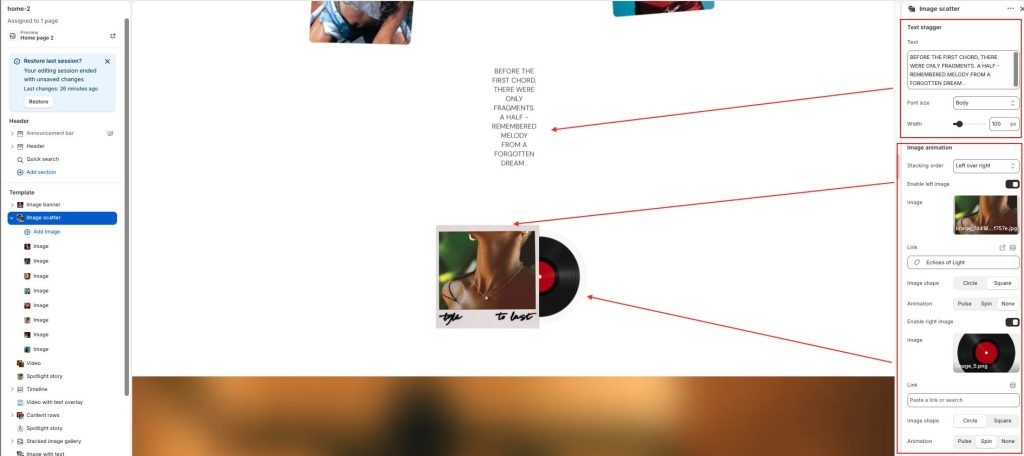
Text stagger
Text: Enter custom text displayed in the staggered text area.
Font size: Adjust the size of the staggered text content.
Width: Control the width of the text container.
Image animation
Stacking order: Choose which image appears above the other in the layered layout: Left over right/ Right over left/None.
Enable left/right image: Show or hide the left-side image. When Enable left/right image is active, you can select image, set image style, and choose animation.
Image: Upload an image for the selected layer.
Link: Add an optional link to the image.
Image shape: Select the image display shape: Circle/ Square.
Animation: Apply motion effects to the image layer: Pulse/ Spin/ None.
Image block
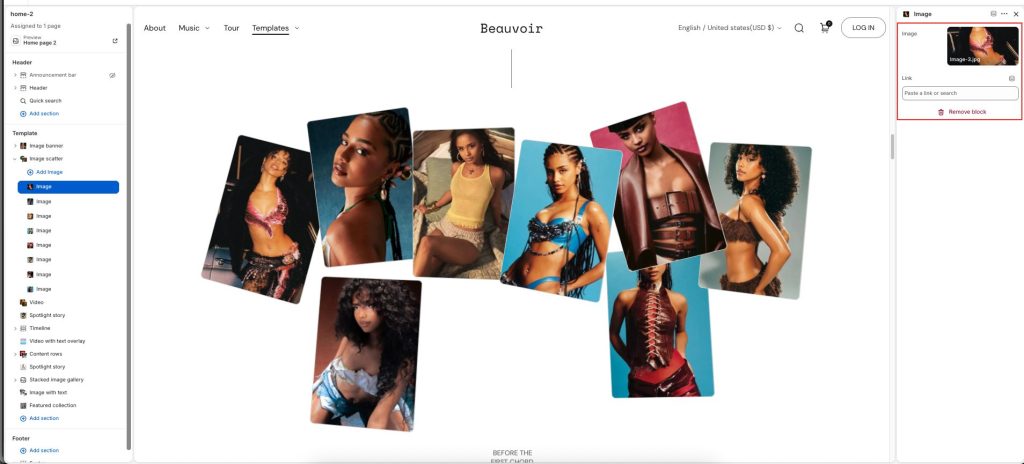
Select an Image for each block, and add Links to link the image to a URL and redirect to the page