
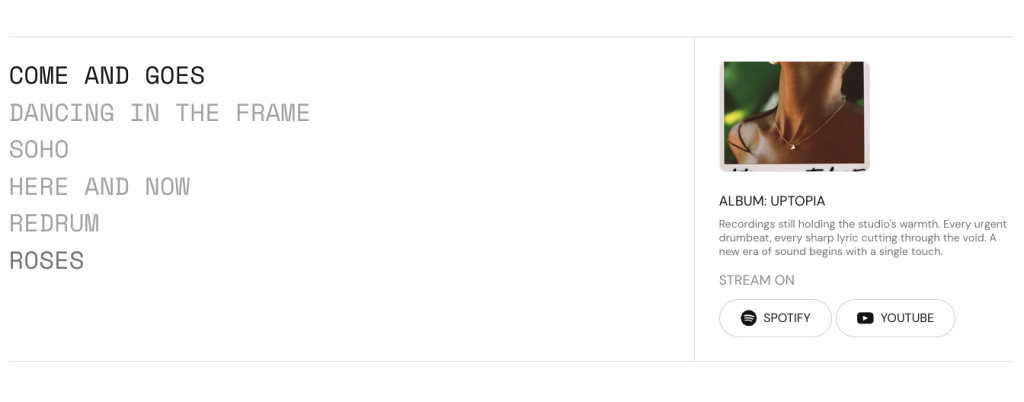
Display a list-based layout with detailed supporting content, imagery, and interactive elements. Use this section to showcase albums, projects, collections, features, or editorial highlights in an organized and engaging format. Flexible content and spacing settings allow each item to present rich information while maintaining a clean visual structure. Create an immersive browsing experience that blends storytelling, media, and navigation.
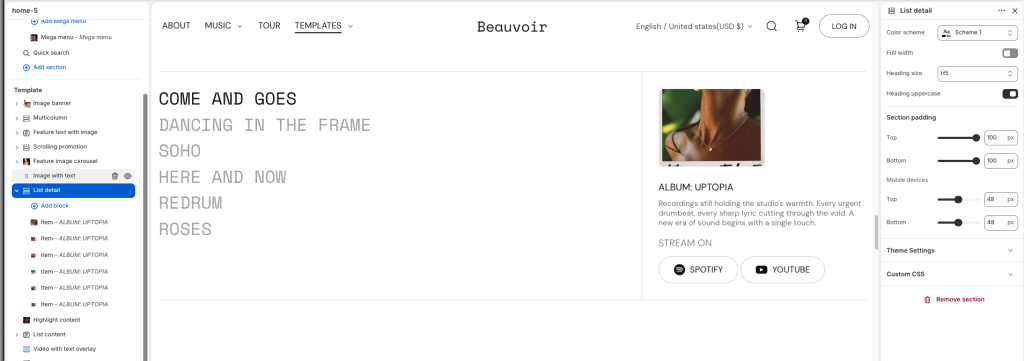
Use the Heading size options to set the section’s heading text
Enable Heading uppercase to change text style
Item block
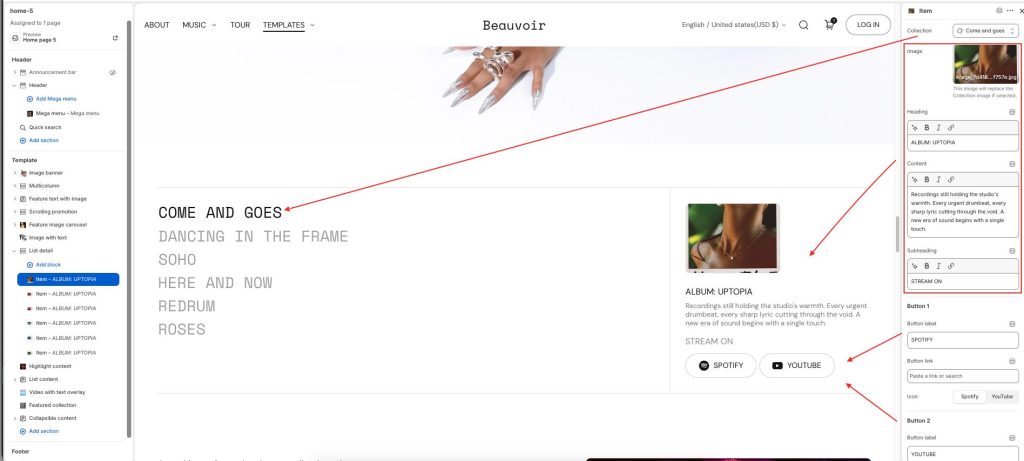
Collection: Select a collection used as the primary reference for the item content.
Image: Upload a custom image for the item. This image replaces the collection image when selected.
Heading: Add the main title or featured label for the item.
Content: Enter descriptive or supporting text content.
Subheading: Add a short supporting label or secondary text.
Button 1 and Button 2
Button label: Add text for the first action button.
Button link: Choose a destination link for the button.
Icon: Select an icon displayed alongside the button label: Shopify/ YouTube.