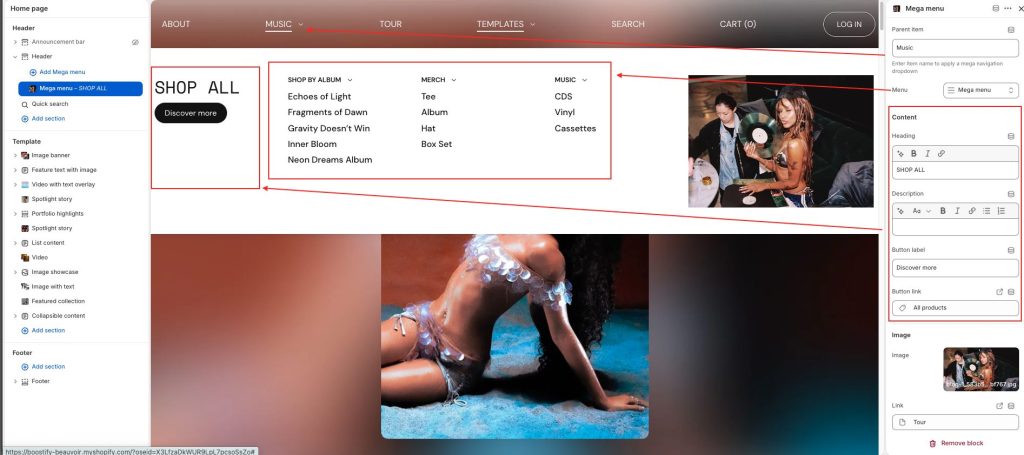
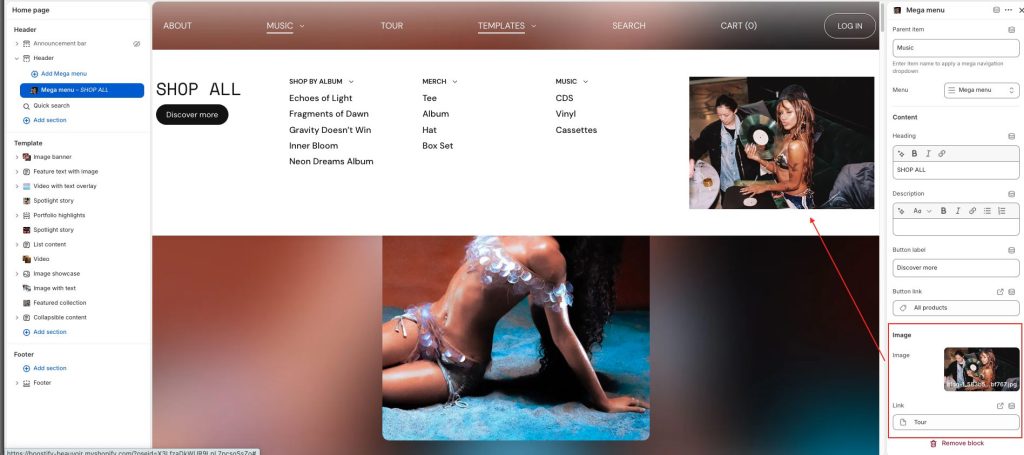
1. To show mega menu layouts, create a multi-level dropdown menu first.
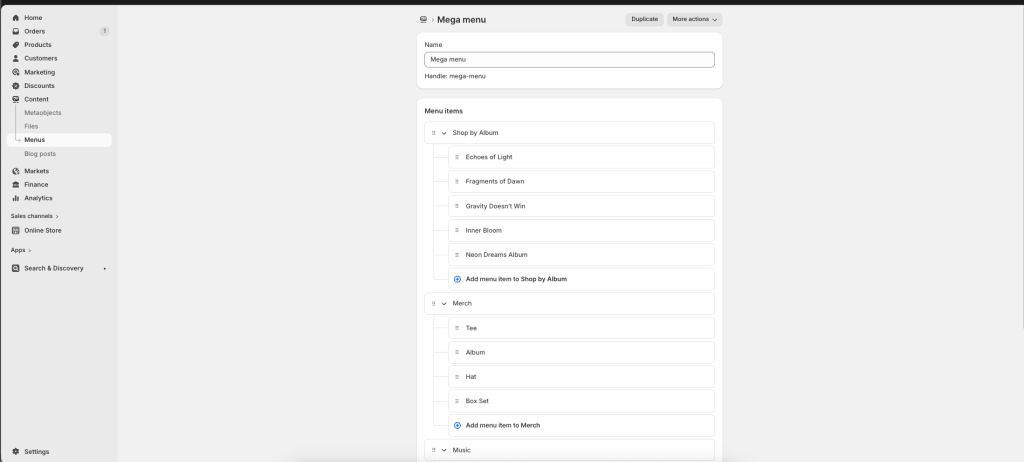
2. From your Shopify admin, go to Online Store -> Themes.
3. Find the theme you want to edit, then click Edit theme.
4. In the Header section on the left editor window -> Click + Add Mega menu.
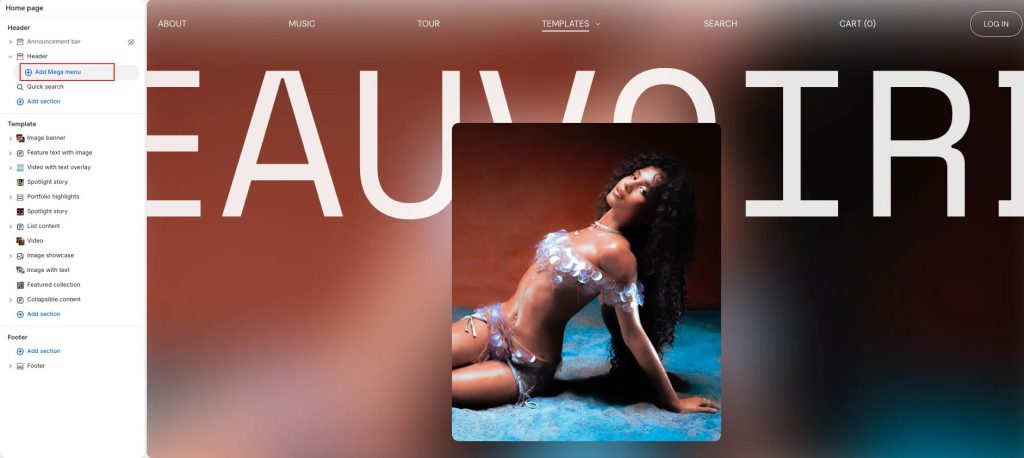
5. Set up Mega menu
- Add parent item: item name to apply a mega navigation dropdown
- Select your mega menu created
- Enter text, select image